Streamlined three-tier loyalty program where every member enjoys the same high-quality rewards, with benefits escalating at each tier.
Simple yet effective, this program stands as the best deal for Eloking's boosting services, ensuring maximum value and satisfaction for all our users.
Cashback on all Eloking boosts (3%, 5%, 7%)
Discounts for all Eloking boosts (5%, 10%, 15%)
Discount for a friend 🤗
Free daily lootbox spin with industry-leading rewards
Member exclusive season and event offers
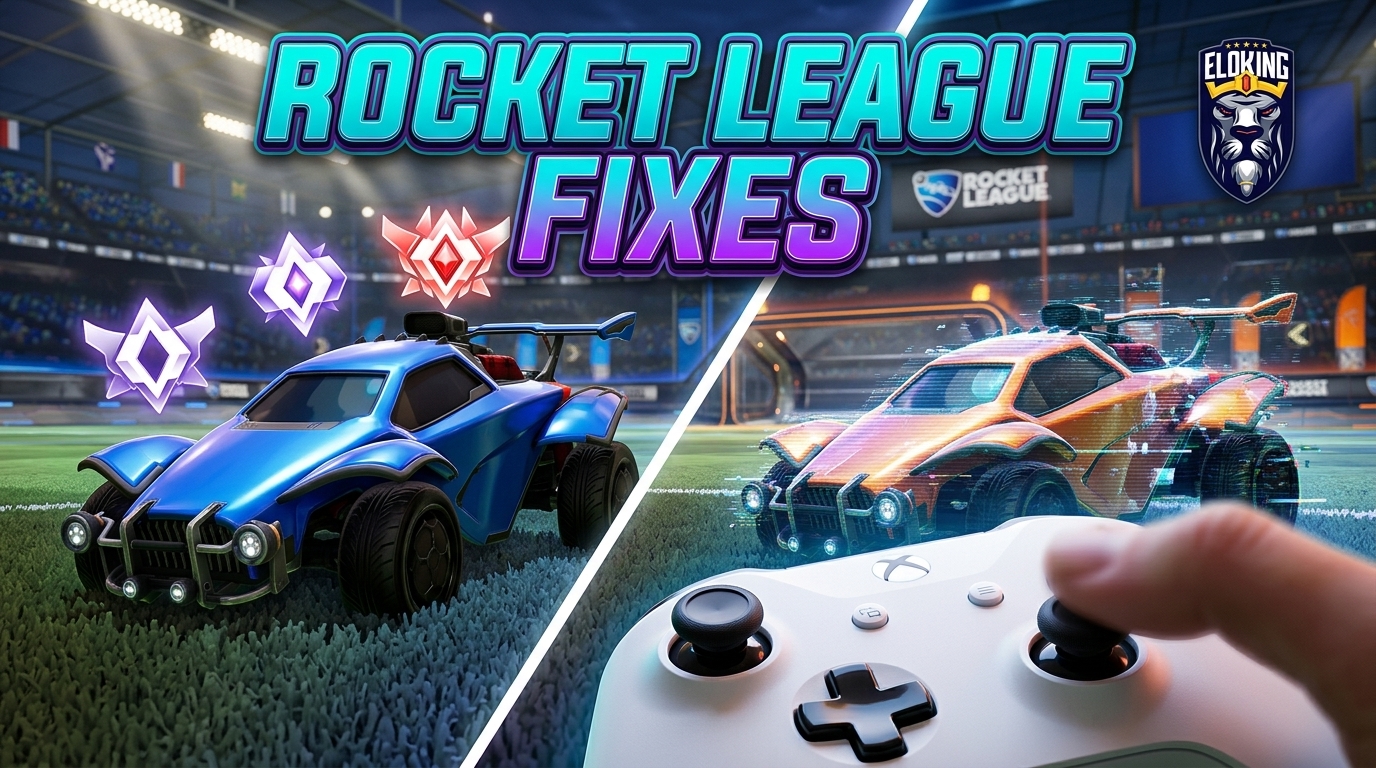
Rocket League Known Issues and Controller Settings
h
Malik Hamza Rashid
Gamer
12 Jul 2026
Updated On
Listen to this post
TL;DR: Fix Rocket League crashes and controller weirdness by isolating the real culprit: disable overlays, mods, and conflicting input layers, verify files, and test a clean launch before changing settings. Then tighten controller bindings and dodge deadzone so the game stays stable and accidental flips stop costing goals.
Rocket League can be perfectly fine one launch and face-plant the next the moment an overlay, mod, or controller layer starts fighting it. The real trap is that a crash on boot can look like a broken game, when the fix is often something as simple as disabling the wrong hook or proving the problem disappears in a clean launch. And if the game is already stable, the next surprise is even worse: a dodge deadzone that is only 0.05 off can turn a clutch 50/50 into an accidental back-flip and a free goal.
That is why the first real question is not "what setting should I use?" but "what is actually taking control?" Once you identify whether the crash, ghost input, or weird flip is coming from overlays, Steam Input, or a bad controller binding, the rest of the setup finally makes sense.
Start with Rocket League Known Issues before you touch anything else
Don't start ripping your settings apart until you've checked the official board for known bugs. Rocket League v2.64 included a Known Issues section in the Jan. 22, 2026 patch notes, and the June 10, 2026 update (v2.70) confirmed fixes for replay loading, crashes, and UI bugs. If the game is failing on launch, Epic Games support recommends a specific ranked troubleshooting sequence: first disable mods and background apps, then ensure you are using DirectX 11. If that fails, delete the cache folder in your Rocket League directory, verify game files, and update your video card drivers. For persistent issues, renaming the Rocket League folder in Windows or forcing the game to launch with default video settings can often bypass corrupted local data.
Do this in order: check the official Known Issues page, then launch the game once with no overlays running, and then test a clean boot. If the crash disappears, the problem was the setup, not your hardware.
Struggling to win? Bad teammates?
Purchase a game with one of our PRO players.
One game
Average wait time <30 minutes
$4.00
$3.32 per game
Two games
Average wait time <30 minutes
$8.00
$3.00 per game
Three games
Average wait time <30 minutes
$12.00
$2.50 per game
Kill the usual crash gremlins: overlays, mods, and bad cache
The fastest win is to shut down anything that hooks into the game. Turn off overlays, recording tools, and BakkesMod to see if the game stays alive. If Rocket League stops crashing, you found the offender. Before diving deeper, confirm your PC meets the minimum system requirements and that you are running the latest video card drivers, as outdated software is a primary cause of mid-match freezes.
Next, clear the junk that survives between launches. Verify the game files in the Epic Games Launcher, then delete the cached config folder. If the crash persists, rename the "Rocket League" folder in your Documents to force the game to generate a fresh one. You should also ensure the game is using DirectX 11 and test launching with default video settings. Finally, toggle between windowed and exclusive fullscreen mode to find the most stable display environment for your GPU.
Problem
Fast check
What you want to see
Crash on boot
Disable mods & rename folder
Game reaches main menu
Random mid-match crash
Update drivers & check DX11
Stable performance
UI or replay weirdness
Verify files & clear cache
Clean load and stable menus
Fix controller detection the way Epic Games support tells you to
If your pad isn't being read, the conflict usually starts with how Valve's launcher and Epic fight over your inputs. Epic Games support notes that Steam Controller Configuration allows inputs to be handled by the Steam client instead of by the game itself, which often causes ghost inputs or total detection failure. To fix this, follow the exact self-service path: right-click Rocket League in your library, select Properties, then Controller, and override the Steam Input setting to "Disable Steam Input" to let the game handle the device directly.
Follow this sequence: check the input behavior in the Valve client first; ensure no other launcher is fighting for the device in the Epic Games Launcher; then re-pair your controller if using Bluetooth. According to Position Is Everything's May 17, 2026 guide, these steps solve the majority of issues for Xbox, PlayStation, and Nintendo Switch controllers. If the car still feels unresponsive, check Windows device settings and rebind your in-game controls to ensure no conflicting layers are active. The goal is to have only one system in charge of your pad at a time.
Use controller settings that keep your thumb on the stick
Now tune the pad for actual play using 2026 controller-settings coverage from Blast.tv and Dexerto. A dodge deadzone that is even 0.05 off can trigger accidental back-flips in 50/50s, costing you goals. If your camera pans to the side unexpectedly, you likely have stick drift; diagnose this by testing your controller in a different game. If the drift persists, you must raise your controller deadzone until the "phantom" movement stops, though this may make the car feel slightly less responsive.
To stay competitive, use the 2026 Rocket League settings coverage from Dexerto as a baseline. They recommend turning Camera Shake off and setting Field of View to 110 for maximum awareness. Move boost off the default Circle/B button if it forces your thumb off the right stick, as keeping your thumb on the stick is vital for aerial control.
Adjust Dodge Deadzone in small steps to prevent back-flips.
Set Stiffness to 0.35 - 0.50 to keep the camera stable at high speeds.
Test your new sensitivity in Free Play to ensure you can still make precise recoveries.
Lock the whole setup in before you queue ranked
Once the game is stable and the controller feels right, run one final checklist: no overlays, no broken Steam Input conflict, no Bluetooth dropout, no weird binding, and no accidental flip on dodge. Then play a full casual match before ranked. If anything still feels off, fix that one thing before you queue again.
The blunt truth is this: most "Rocket League is broken" complaints are just a messy setup pretending to be a skill issue. Clean the stack, keep your thumb on the stick, and the game stops fighting you.
Do a clean launch with every overlay, recorder, and mod shut off. If the game reaches the main menu and stays there, the crash was being caused by something outside the game itself, not corrupted hardware.
That is a classic input-layer fight. Disable Steam Input for the game so only one system is handling the controller, then re-pair the pad if you are on Bluetooth and recheck the bindings inside the game.
Because a small mismatch can turn a normal dodge into an accidental back-flip at the exact moment you wanted a clean challenge. Even a 0.05 error is enough to wreck 50/50s and hand over goals that should have been saved.
Start with controller deadzone and dodge deadzone before touching sensitivity. If you are getting phantom stick movement, raise the controller deadzone until the drift stops, then fine-tune dodge deadzone in small steps so flips stay intentional.
No, not if it forces your thumb off the stick during aerials. Moving boost to a different button keeps stick control intact, which matters more than preserving a familiar layout.
That usually points to drivers, overlays, or display mode instead of launch corruption. Update the video card drivers, test DirectX 11, and switch between windowed and exclusive fullscreen to find the stable setup.
What’s next?
Now that you have learned something new - it’s time you start playing and get better. Choose a game to purchase Eloking Boost for.
Purchase ELO Boost at Eloking
and start playing at the rank you deserve!










 Quality
