Streamlined three-tier loyalty program where every member enjoys the same high-quality rewards, with benefits escalating at each tier.
Simple yet effective, this program stands as the best deal for Eloking's boosting services, ensuring maximum value and satisfaction for all our users.
Cashback on all Eloking boosts (3%, 5%, 7%)
Discounts for all Eloking boosts (5%, 10%, 15%)
Discount for a friend 🤗
Free daily lootbox spin with industry-leading rewards
Member exclusive season and event offers
How to Fix Rocket League Training Packs Not Working
j
Anthony King
Gamer
23 Jul 2026
Posted On
Listen to this post
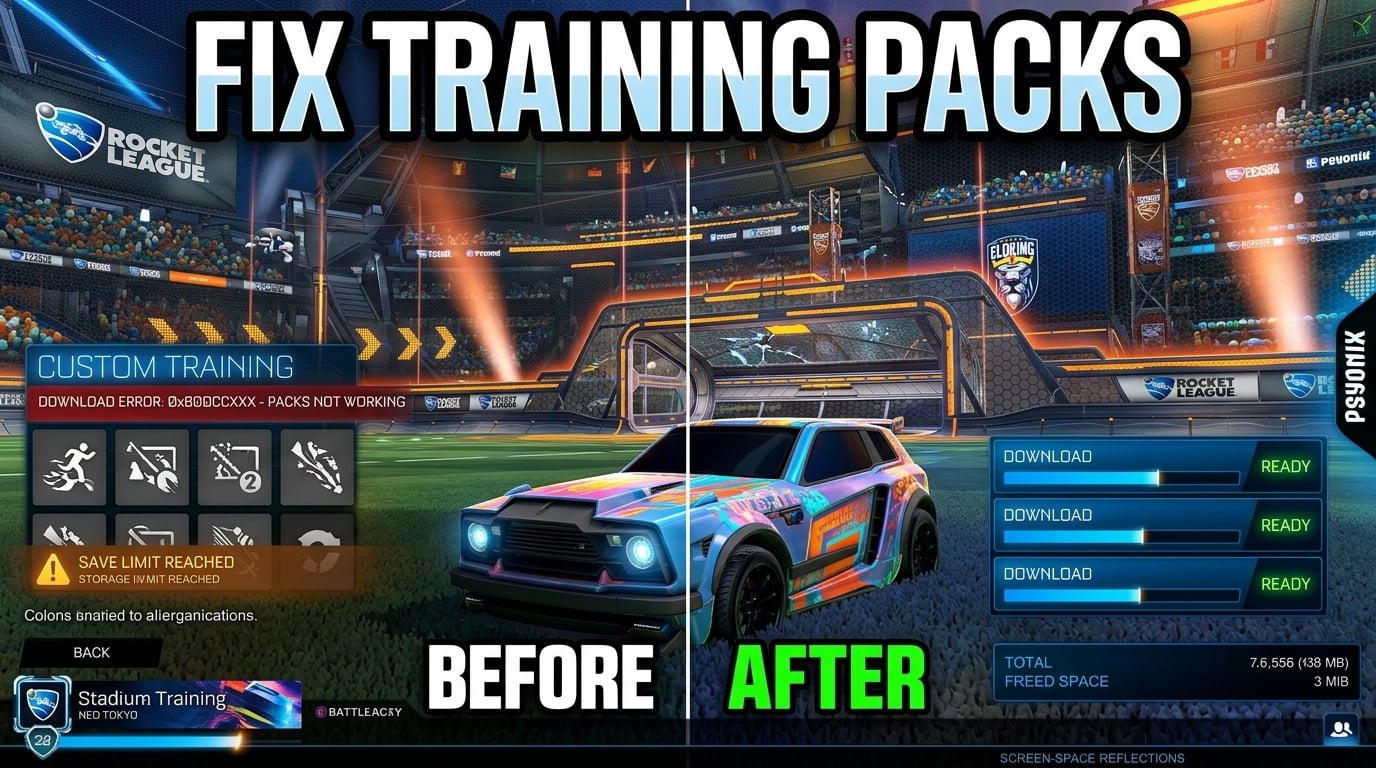
TL;DR: Rocket League training packs usually fail because the game's replay and training save storage is full, especially on consoles. Deleting old replays and unused training sequences usually fixes it; if not, try console-specific steps like clearing cache on PlayStation or reinstalling on Xbox.
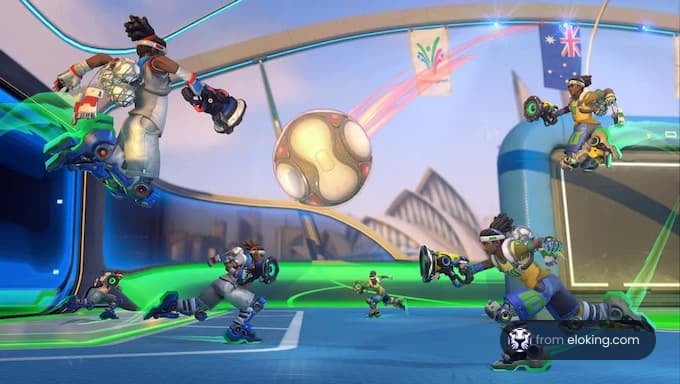
You load up a Training Pack in Rocket League, hit start, and then… nothing. No drills, no shots, no clean practice session - just a broken pack that refuses to do its job when you need it most.
It's especially maddening when the same code worked before, or when everyone else seems to be using it without a problem. So why do Rocket League Training Packs stop working, and what actually fixes them?
Epic Games Save Failure help page: delete the junk before you do anything else
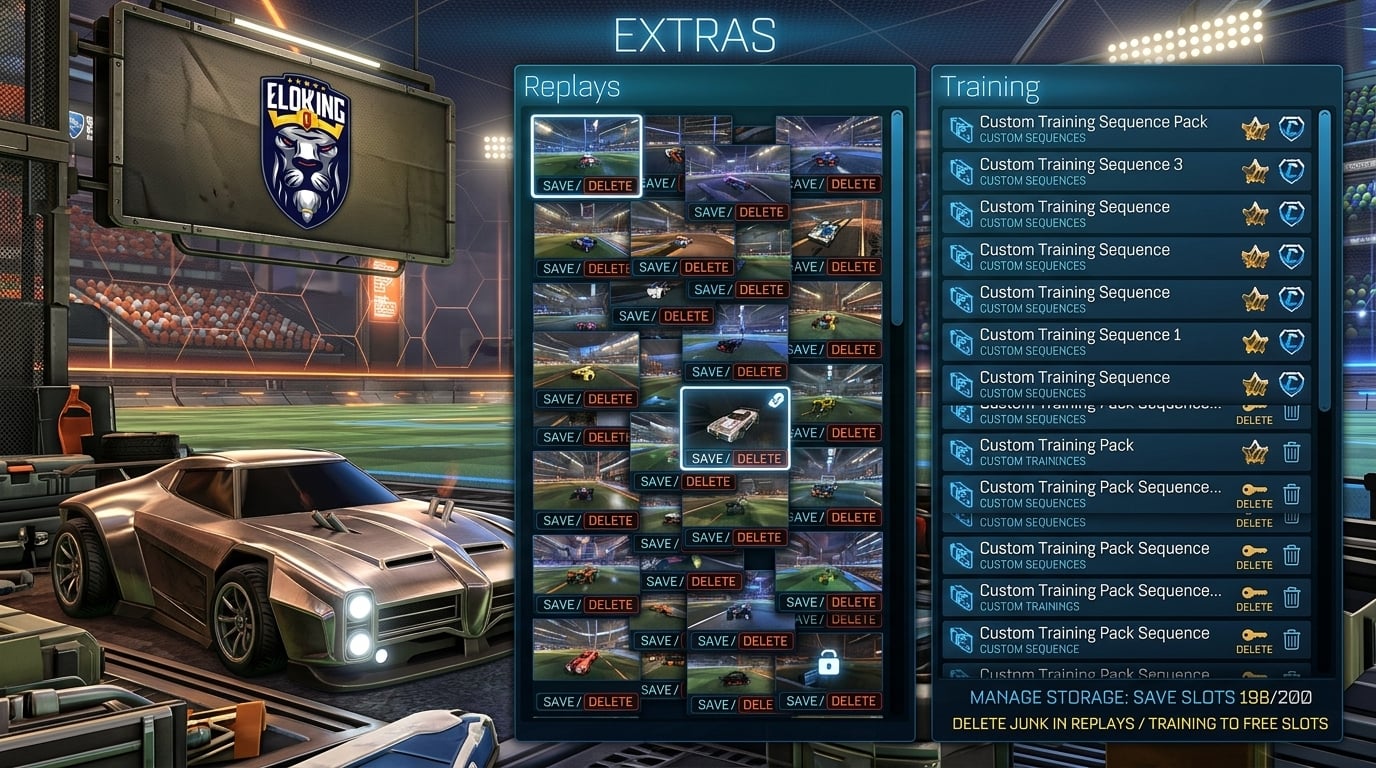
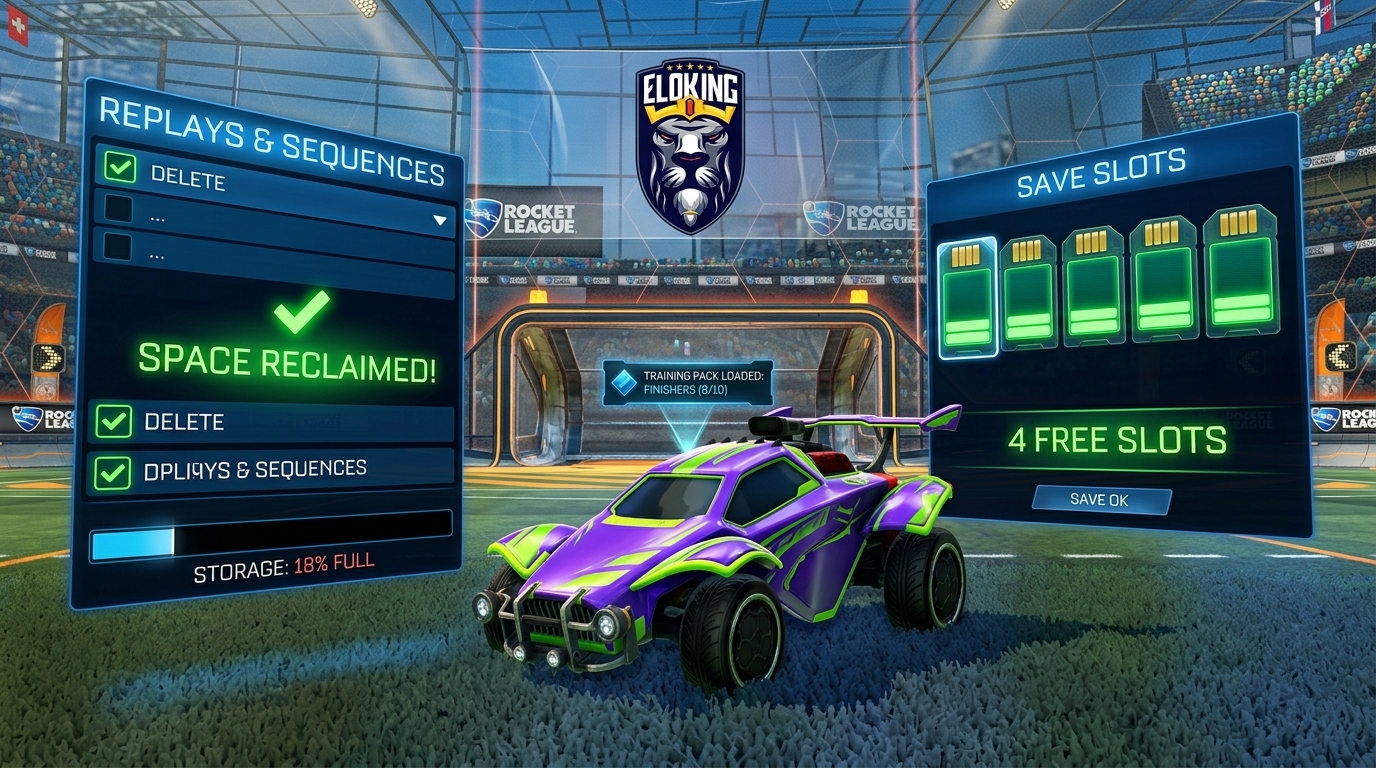
The fastest fix is to trim old replays and training sequences inside Rocket League. Go to Extras first, then open Replays and delete the stuff you do not need. After that, go into your custom training list and clear old packs or favorites you never touch. If the pack saves after that, you were not dealing with a broken drill. You were hitting the game's storage ceiling.
This is the move Epic keeps circling back to on its Rocket League help pages. When Save Failure shows up, the first clean answer is not "restart harder." It is "make space."
Struggling to win? Bad teammates?
Purchase a game with one of our PRO players.
One game
Average wait time <30 minutes
$4.00
$3.32 per game
Two games
Average wait time <30 minutes
$8.00
$3.00 per game
Three games
Average wait time <30 minutes
$12.00
$2.50 per game
Rocket League console limits on Replays and Training Sequences hit harder than most players expect
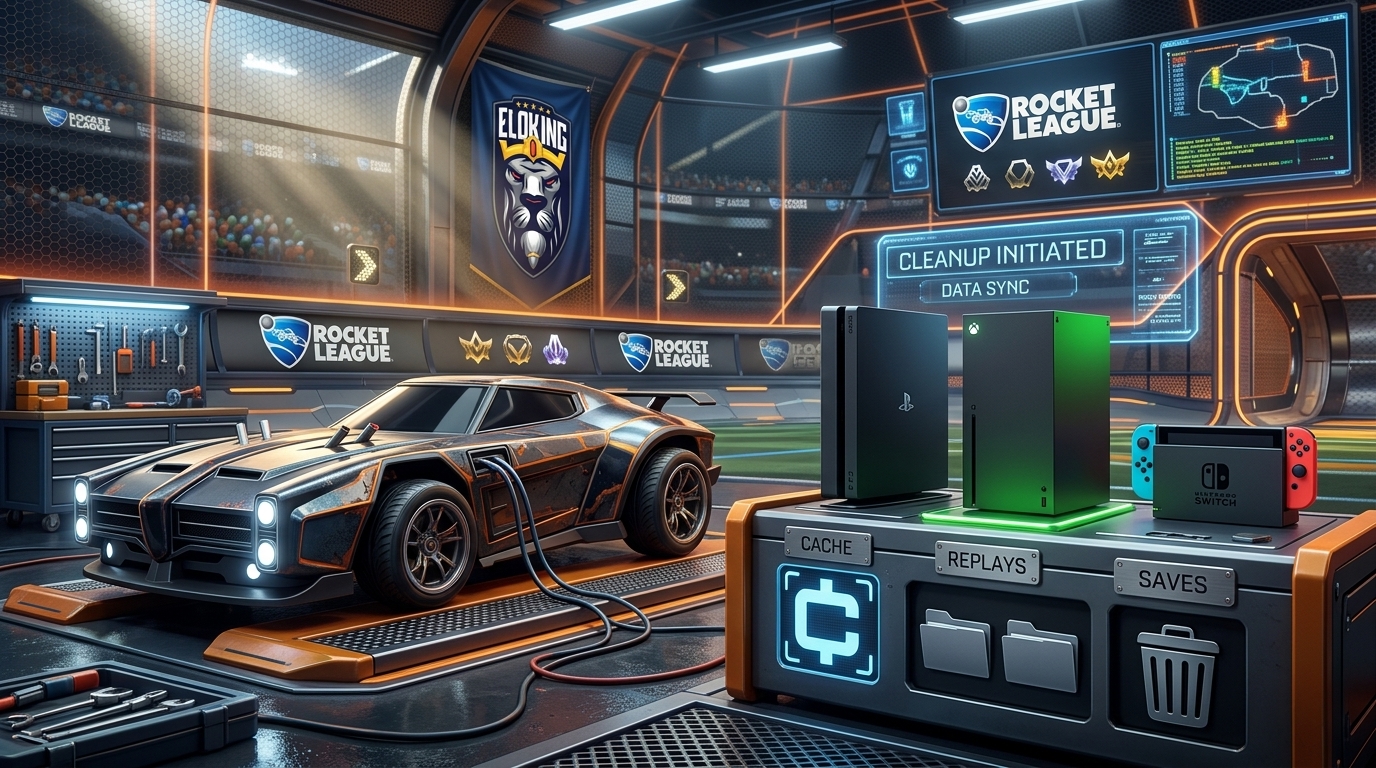
Console players get cooked by this more often because the save pool is smaller and messier. On PlayStation, Xbox, and Switch, too many replays, too many training sequences, or a bloated save file can block new custom packs from being written at all. That's why a pack may load successfully at first and then suddenly fail later. The game is not being random. It is bumping into a limit.
So the practical move is simple: delete a few old replays, remove unused training sequences, and then try saving the pack again. If you are keeping every replay "just in case," that is exactly how you end up tilted in the menu instead of grinding shots.
training pack save failures on PlayStation, Xbox, and Switch: do the platform fix, not the lazy guess
On PlayStation, the platform guide says to delete replays and training sequences to troubleshoot Save Failure, and the related cache article says to hard reboot the console, then in Safe Mode choose Clear Cache and Rebuild Database and select Clear System Software Cache. That cache step does not delete save data. If the problem still hangs around, back up your save data before you go any further.
On Xbox, the same logic applies but the buttons are different. Delete replays and training sequences to free up space, then go back into Rocket League and test the training pack again. If it still fails, Epic's Xbox help path moves toward reinstalling Rocket League. That should not be your first play, but it is the right next step after cleanup fails.
On Switch, keep it dead simple: close Rocket League completely, power-cycle the system, and then delete a few older replays and training sequences before trying again. If your save file is crowded, the pack will keep dying at the finish line.
The community complaint matches the same fix
Players sometimes report the same thing: the course loads, then the game refuses to save the file. That lines up with save-limit behavior, not a random training-pack bug. The win condition is to lower the amount of stored replay and training data, then test the same pack again.
If it works after cleanup, you found the problem. If it does not, the next move is platform troubleshooting: cache on PlayStation, cleanup and reinstall path on Xbox, and a hard restart plus storage cleanup on Switch. Do not skip straight to "Rocket League is broken." Most of the time, your save pile is just full.
The cleanest fix is the one that gives your slots back
Here is the order I would use every time: delete old replays, remove unused training sequences, test the pack, then move to cache cleanup on your console if it still fails. That sequence is fast, and it matches what Epic is actually telling players to do. The hardest part is admitting the problem is not your mechs. It is your storage.
Rocket League training packs not working is annoying, but it is rarely mystical. Clear space, clear cache if needed, and get back to grinding. The game is not trying to ruin your day. It just ran out of room.
The usual cause is Rocket League’s Save Failure state: too many stored replays or custom Training Sequences can stop another pack from loading or saving. Delete unused replays and training sequences, retry the pack, and only then move to your platform’s cache or save-data troubleshooting steps.
On Xbox, this usually points to a Save Failure problem rather than a bad pack code. Epic recommends deleting unused Training Sequences and old replays first; if cleanup does not work, restart the game and follow the Xbox save-data or reinstall troubleshooting path.
What’s next?
Now that you have learned something new - it’s time you start playing and get better. Choose a game to purchase Eloking Boost for.
Purchase ELO Boost at Eloking
and start playing at the rank you deserve!











 Quality
