Streamlined three-tier loyalty program where every member enjoys the same high-quality rewards, with benefits escalating at each tier.
Simple yet effective, this program stands as the best deal for Eloking's boosting services, ensuring maximum value and satisfaction for all our users.
Cashback on all Eloking boosts (3%, 5%, 7%)
Discounts for all Eloking boosts (5%, 10%, 15%)
Discount for a friend 🤗
Free daily lootbox spin with industry-leading rewards
Member exclusive season and event offers
How to Fix Rocket League Game Freezes and Stuttering
p
Jack Willa
Gamer
10 Jul 2026
Posted On
Listen to this post
TL;DR: Rocket League freezing is usually caused by overlays, capture tools, corrupted files, or a bad driver update - not the game being too demanding. Disable Discord/Steam overlays and recording software first, verify files in Epic, then reset GPU drivers and test after each step to isolate the culprit quickly.
Rocket League can feel perfectly fine one moment, then start choking the second you Alt-Tab, record a clip, or launch a match after an update. That kind of freeze is the worst kind of problem: the game itself isn't always broken, something else is quietly grabbing it by the frame rate. The real clue is hidden in the pattern, and the fix often starts far away from graphics settings.
Before you touch resolution sliders or blame your PC, the first move is to find what's hooking into the game, what changed right before the stutter started, and which background feature is stealing stability one burst at a time. The answer is usually simpler than it looks, but only if you test in the right order.
Kill Discord and Steam overlay conflicts first
Open Discord, go to User Settings, then Game Overlay, and switch it off. In Steam, go to Settings, then In Game, and uncheck Enable the Steam Overlay while in-game. Keep it simple. Relaunch Rocket League and play one match to see if the freezing drops off.
Overlays hook into the game while you play, and that can create weird hitching when more than one tool is trying to sit on top of the same session. If the stutter eases up after you shut them down, you've already found a real clue.
If you also run GeForce Experience, Xbox Game Bar, Medal, Overwolf, or OBS replay buffer, turn them off for a test. One clean run tells you more than ten guesses.
Struggling to win? Bad teammates?
Purchase a game with one of our PRO players.
One game
Average wait time <30 minutes
$4.00
$3.32 per game
Two games
Average wait time <30 minutes
$8.00
$3.00 per game
Three games
Average wait time <30 minutes
$12.00
$2.50 per game
Use Epic Games Launcher file verification before you touch graphics
In Epic Games Launcher, go to Library, click the three dots on Rocket League, then hit Verify. Let it finish fully. Do not alt-tab and start changing settings while it runs. After that, boot the game and check if the freeze is gone.
File verification can catch broken or missing files before you start guessing about graphics settings. If the game got slower after an update, it is worth trying early in the process.
If Epic says the install is clean but Rocket League still stutters, uninstall and reinstall only after you've tried overlays and verification. Reinstalling is annoying. Do it when the simple stuff fails, not as your opening move.
Do a NVIDIA/AMD driver reset when the hitching feels random
If Rocket League freezes in bursts, especially after a driver update, reset your GPU driver setup. For NVIDIA, use the clean install path in the installer. For AMD, use the reset/default option during driver install or a clean removal tool if the driver stack is messy.
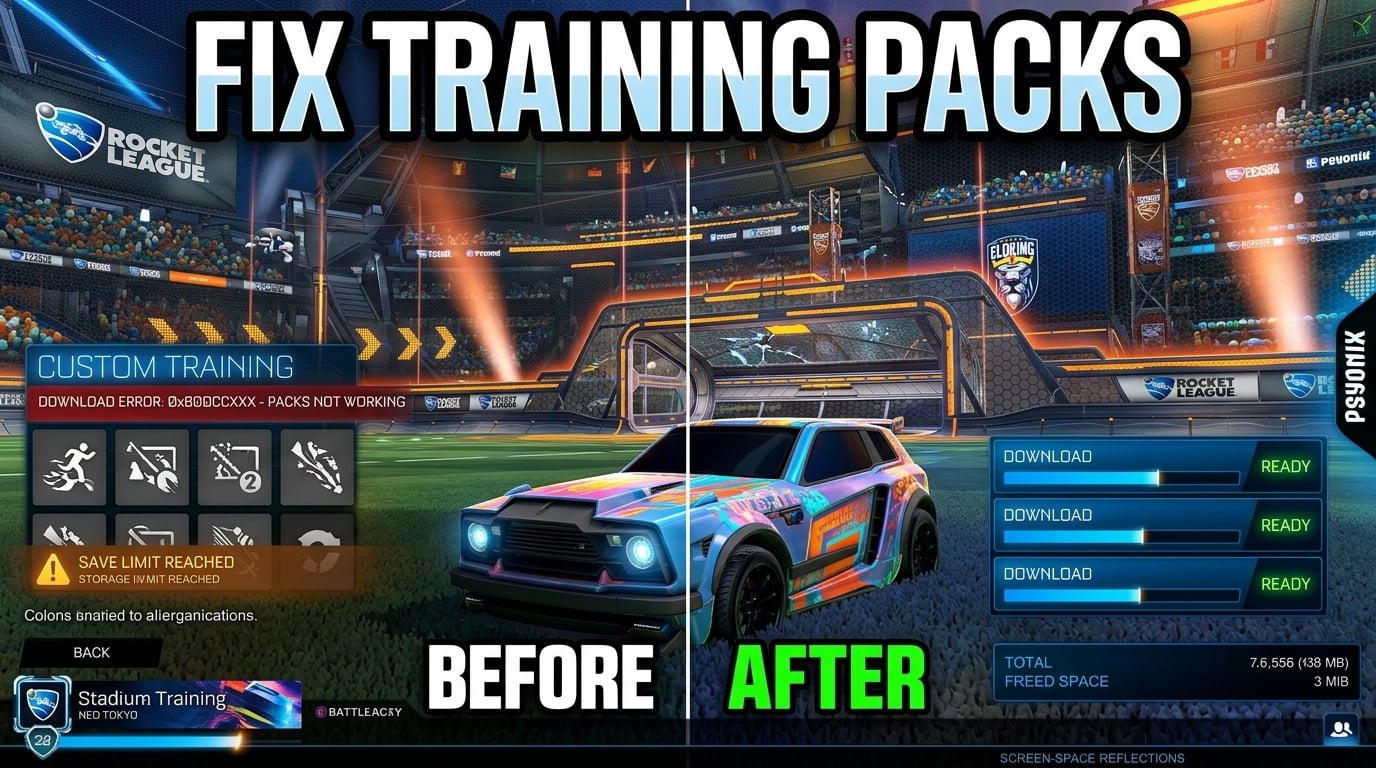
Then reboot. Not sleep. Not restart later. A full reboot. Launch Rocket League and test a training pack first, then a casual match. You're looking for stable frametimes, not a miracle.
If the problem started right after a GPU update, that timing is the clue. A driver change is one more thing to rule out before you start lowering in-game settings.
Turn off Windows Game Mode and background recording / capture software
Go to Windows Settings, Gaming, then Game Mode, and toggle it off for a test. Then check Captures and switch off background recording. If you have instant replay on in AMD Adrenalin or NVIDIA app features that auto-record clips, disable those too.
Short test. Big clue. Background capture can compete with the game for system resources at the exact moment Rocket League wants things to stay clean and predictable.
If you are chasing a freeze that only happens in matches, not in menus, capture software is one more thing worth testing early.
Use the symptoms to decide whether your PC or the game is the problem
If Rocket League freezes only after Alt-Tab, that points to overlays or capture hooks. If it stutters right after an update, verify the install. If it gets worse after a driver install, reset the GPU driver. That's the order I'd use every time, because it keeps you from randomly tanking settings for no reason.
Here's the blunt truth: Rocket League is not usually "too heavy." If it is freezing on you, something else is stepping on the game. Strip the junk away, test in order, and you'll fix it faster than you can rage-queue into another bad session.
What if Rocket League only freezes when I switch between fullscreen and another window?
That usually points to an overlay or capture hook fighting for focus, not a rendering problem. Disable every on-screen layer first, then test the same Alt-Tab sequence again so you can see whether the freeze disappears on focus change.
Do I need to reinstall Rocket League if file verification says everything is fine?
Not yet. A clean verification can miss conflicts caused by overlays, Game Bar, or recording tools, so those should be ruled out before you wipe the install and start over.
Can background recording cause freezing even if I'm not actively saving clips?
Yes. Instant replay and background capture keep grabbing frames in the background, and that can trigger stutters in matches even when nothing is being recorded manually.
What if the freezing started right after a GPU driver update?
Treat the driver as the suspect, not the game. Do a clean driver reset, reboot fully, and test a training pack first so you can tell whether frame pacing has actually recovered.
Should I change in-game graphics settings before testing overlays and drivers?
No. Lowering settings too early muddies the signal and wastes time, because most freezing problems here come from software conflicts or corrupted files rather than raw performance limits.
FAQs
That usually points to an overlay or capture hook fighting for focus, not a rendering problem. Disable every on-screen layer first, then test the same Alt-Tab sequence again so you can see whether the freeze disappears on focus change.
Not yet. A clean verification can miss conflicts caused by overlays, Game Bar, or recording tools, so those should be ruled out before you wipe the install and start over.
Yes. Instant replay and background capture keep grabbing frames in the background, and that can trigger stutters in matches even when nothing is being recorded manually.
Treat the driver as the suspect, not the game. Do a clean driver reset, reboot fully, and test a training pack first so you can tell whether frame pacing has actually recovered.
No. Lowering settings too early muddies the signal and wastes time, because most freezing problems here come from software conflicts or corrupted files rather than raw performance limits.
What’s next?
Now that you have learned something new - it’s time you start playing and get better. Choose a game to purchase Eloking Boost for.
Purchase ELO Boost at Eloking
and start playing at the rank you deserve!











 Quality
