Streamlined three-tier loyalty program where every member enjoys the same high-quality rewards, with benefits escalating at each tier.
Simple yet effective, this program stands as the best deal for Eloking's boosting services, ensuring maximum value and satisfaction for all our users.
Cashback on all Eloking boosts (3%, 5%, 7%)
Discounts for all Eloking boosts (5%, 10%, 15%)
Discount for a friend 🤗
Free daily lootbox spin with industry-leading rewards
Member exclusive season and event offers
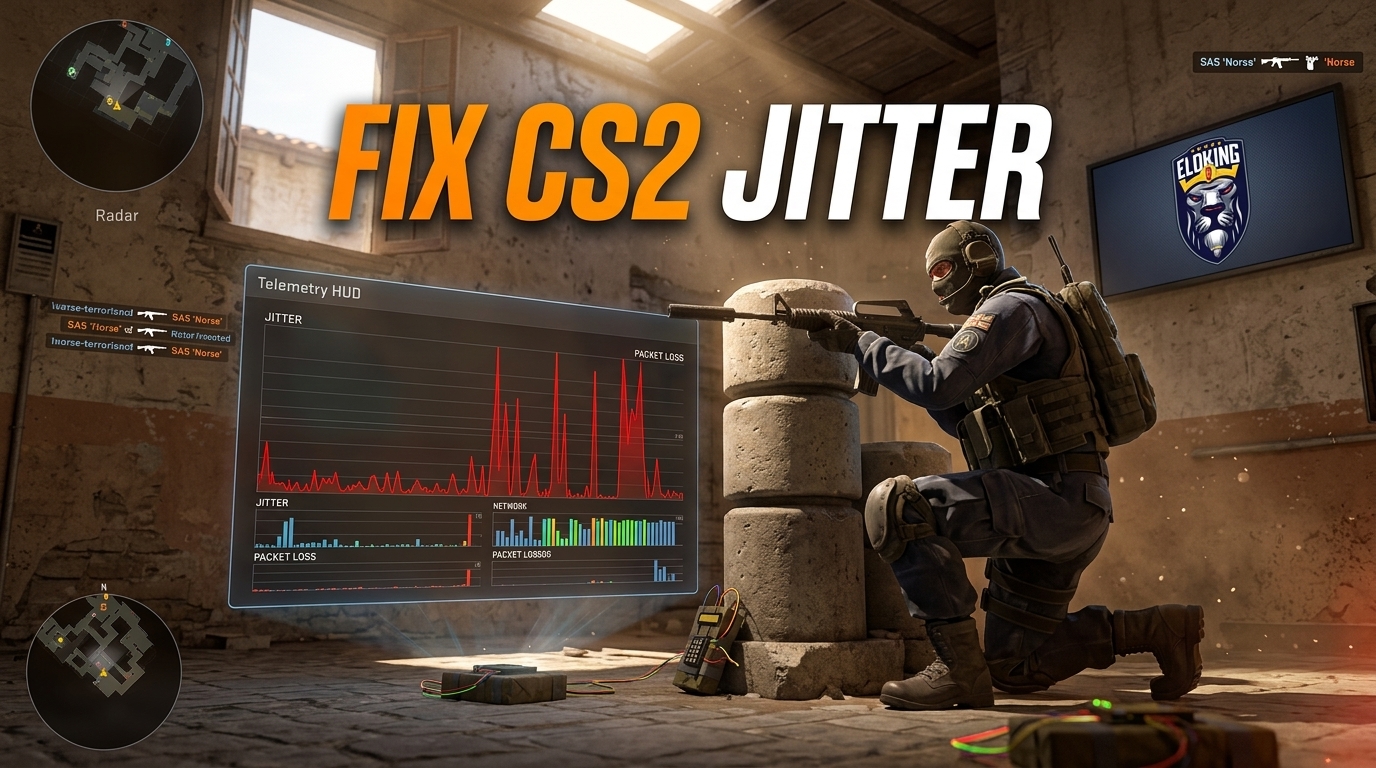
How to Fix CS2 Net Jitter
s
Sharik Shaikh
Gamer
22 Jul 2026
Posted On
Listen to this post
TL;DR: CS2 net jitter usually isn't "just high ping" but a mismatch between the game's network telemetry, your home connection, and sometimes the queue or server itself. Check the Telemetry HUD, test for packet loss, then fix the most stable layer first: Ethernet, router, drivers, background traffic, and power settings.
Your shots are landing, your crosshair is dead on, and yet CS2 still feels like it's fighting you every step of the way. One second the enemy is there, the next they've teleported, and the real killer is the tiny burst of net jitter making every peek, spray, and counter-strafe feel unreliable. If you've ever watched a round slip away because the game suddenly stopped feeling "connected," you already know how infuriating this problem is.
The good news is that net jitter usually has a cause you can actually fix - but the bad news is that the usual "just lower your ping" advice barely scratches the surface. So what's really triggering it, and which settings or network changes actually stop the stutter before it ruins another match?
Why does CS2 net jitter keep showing up in Premier and FACEIT when other apps seem fine?
That's the part that drives players crazy. Discord works. YouTube works. Then CS2 Premier feels like your bullets are arriving late. FACEIT can do the same thing. When that happens, the issue is not "internet" in some vague sense. It's usually a mismatch between what CS2 is measuring and where the real failure sits. Eloboss's Jul. 8, 2026 guide treats packet loss and jitter as active CS2 problems, and Dot Esports' Oct. 11, 2024 breakdown does too, with both guides framing them as current troubleshooting issues rather than old trivia. The r/cs2 post "Net jitter on faceit and premier" also shows players still talking about it as a mode-linked problem.
That matters because the fix changes depending on the layer. Sometimes the home connection is the culprit. Sometimes the router is choking. Sometimes the game is warning you about packet loss that only shows up in one queue. And sometimes the queue itself is the clue. If you treat all of that like one lump of lag, you end up chasing the wrong ghost. The right move is to separate the symptom from the cause before you touch anything else.
The rest of this guide breaks the issue into four parts: what CS2's telemetry says, what your own network can prove, what local hardware and driver fixes are worth trying, and when the server or mode is the thing driving the problem.
Struggling to win? Bad teammates?
Purchase a game with one of our PRO players.
One game
Average wait time <30 minutes
$4.00
$3.32 per game
Two games
Average wait time <30 minutes
$8.00
$3.00 per game
Three games
Average wait time <30 minutes
$12.00
$2.50 per game
What should you check first inside CS2 before changing your network?
What does the Telemetry HUD tell you in CS2?
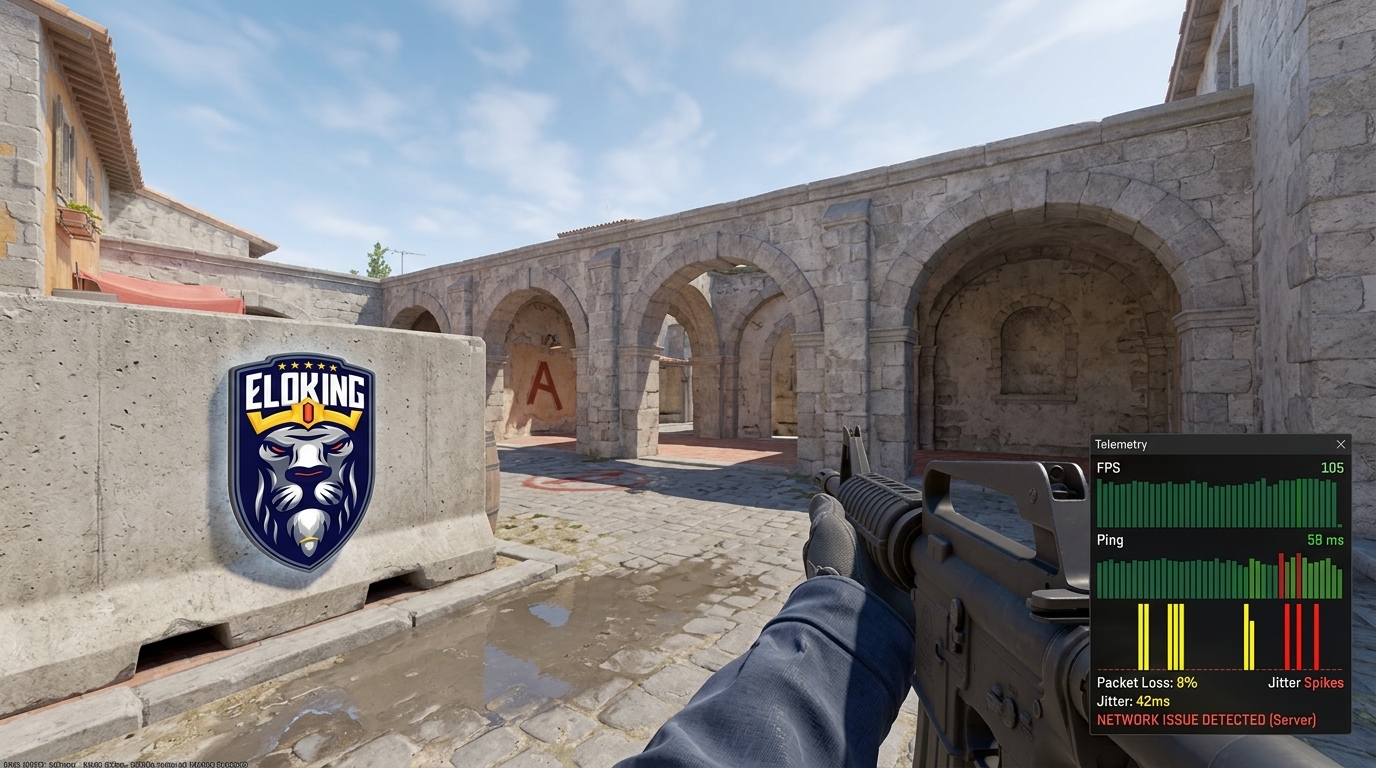
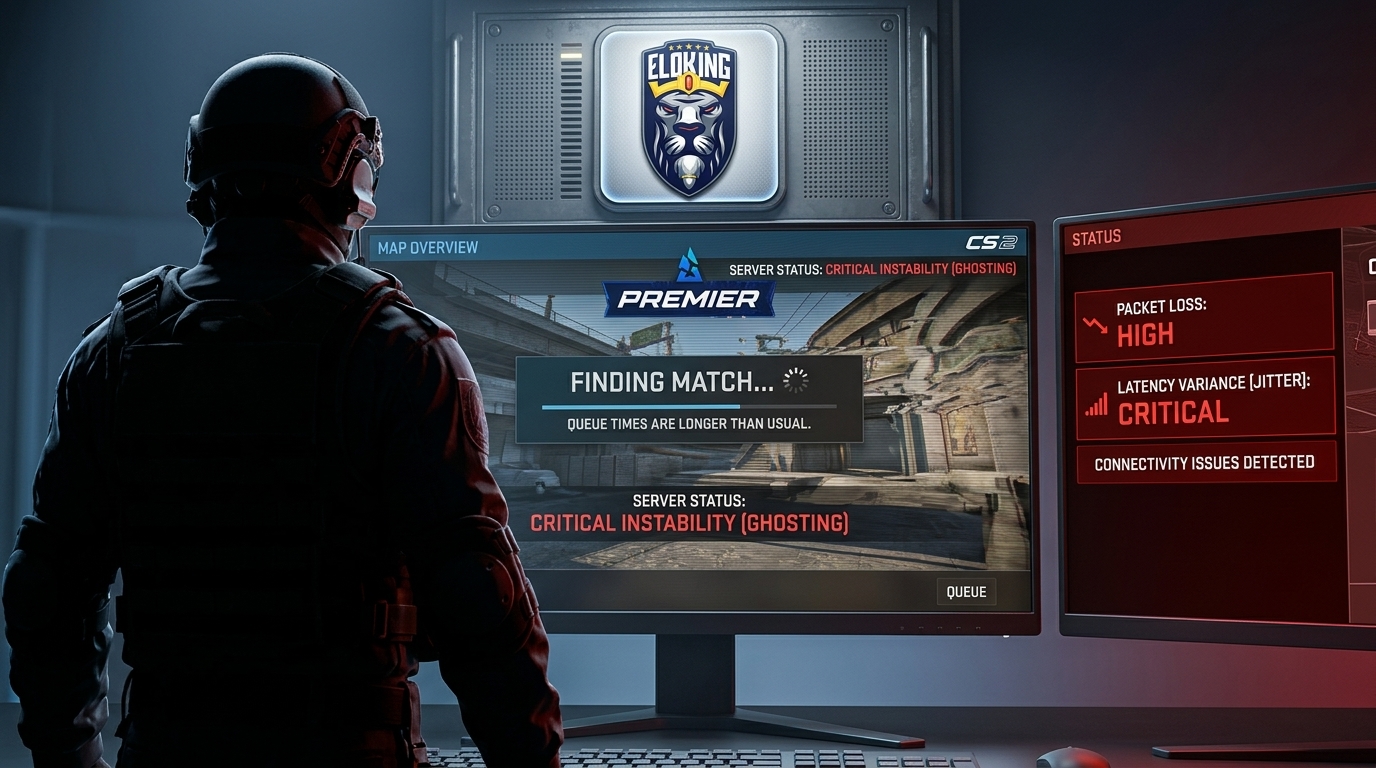
Turn on CS2's Telemetry HUD first. Eloboss says it shows detailed network stats, including packet loss and network jitter, so you get something better than vibes. If the game is already flagging instability while you're noticing rubberbanding or weird peeks, you've got evidence, not guesswork.
How should you read that data?
Read it like a diagnosis, not a fix list. Telemetry tells you when the problem is happening and whether packet loss is part of the picture. That matters because jitter without packet loss can point you in a different direction than jitter plus red bars in the top-right graph. The goal is to match the moment you feel the hitch with what the HUD is showing, so you can stop blaming the wrong layer.
What graph cue matters most?
Eloboss says the graph shows red bars for packet loss. Good. Watch for patterns, not one sad little spike. A single blip during a messy round does not prove your setup is cooked. If the bars keep showing up when the gameplay feels off, then you've got a repeatable signal and not just one unlucky moment.
Which home-network problems actually cause CS2 jitter?
The first question is simple: does the jitter show up outside CS2? If it affects other games, other devices, or different times of day, the odds shift toward your home network path instead of CS2 itself. That's the clean test most players skip because they want the fix right away. Don't. If your phone, PC, and another game all stutter in the same window, the problem is bigger than one match.
There's a difference between Wi-Fi trouble and ISP-path trouble. Wi-Fi gets ugly when the signal is weak, the router is buried, the channel is noisy, or the house is busy with downloads and streams. ISP instability looks different. It can feel fine for an hour, then turn into random spikes, weird routing, or packet loss that no amount of closing tabs will fully fix. Dot Esports points to bandwidth-heavy background activity and ISP handling as troubleshooting areas worth checking.
If multiple apps show the same instability, the home path is still a strong suspect. That does not mean CS2 is innocent every time, but it does mean you should fix the connection path first. The clean read is this: one game acting cursed can be a queue issue; everything acting cursed usually means the connection path deserves the first look.
What router, driver, and PC-side fixes are worth trying next?
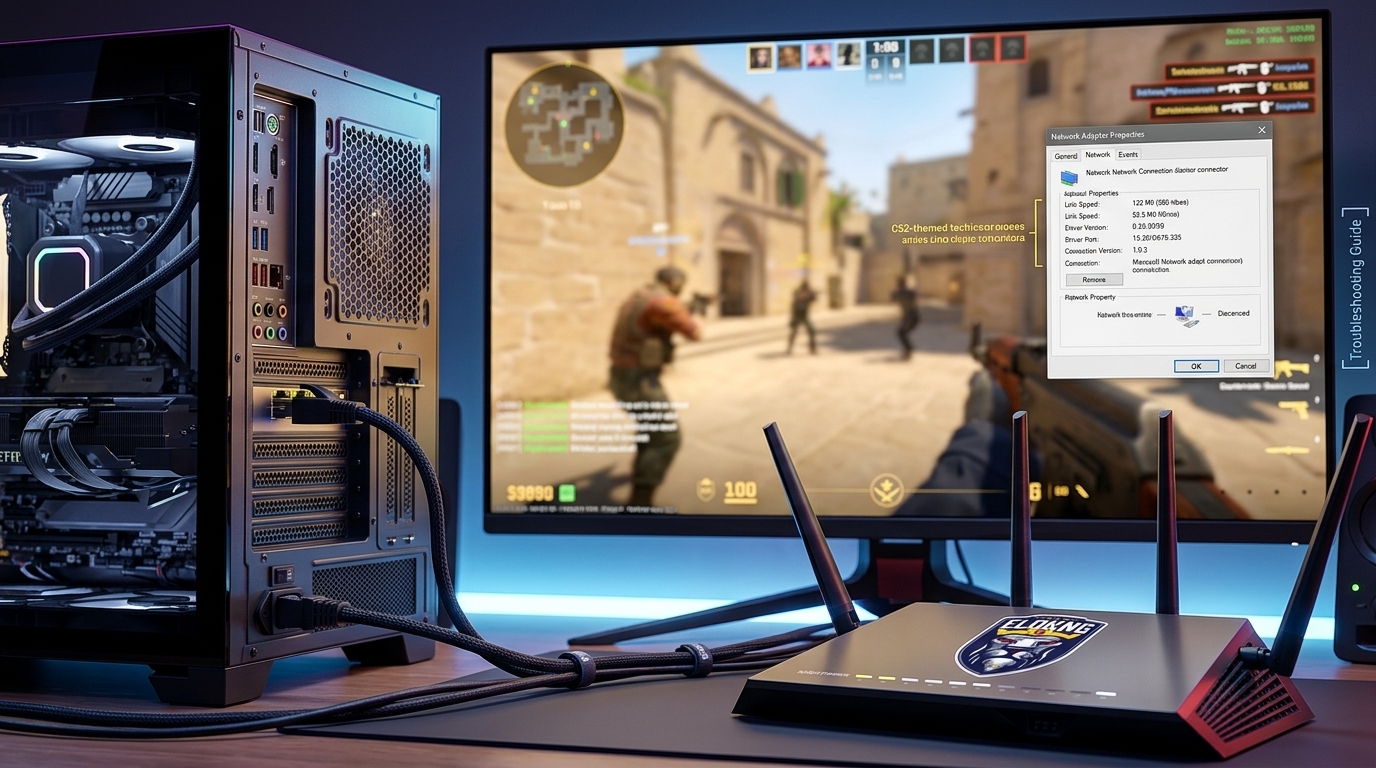
Swap to Ethernet. Use a wired connection if you can, because it is the most stable option for reducing jitter and packet loss.
Restart the router and modem. Power-cycle both, then test another LAN port if the first one feels flaky. That's a fast way to rule out a busted port or a stale connection state.
Update the network driver. In Windows Device Manager, open Network adapters, right-click your Ethernet device, choose Update Driver, and retest CS2 after the reboot. Outdated drivers can create random spikes even when the rest of the setup looks fine.
Kill background bandwidth hogs. Stop downloads, cloud sync, streams, and anything else eating your connection while you queue. The goal is to give CS2 a clean lane, not fight your own household.
Check adapter power saving. If Windows is turning off your network device to save power, disable that behavior in the adapter's Power Management tab and test again. Small power-saving tricks can cause ugly micro-hitches in real-time play.
Test your CS2 settings. If you use the in-game smoothing option Eloboss mentions, try the packet-loss buffer values that Valve's Fletcher Dunn suggested in the Dot Esports coverage, then keep the one that feels least bad. Don't stack a bunch of random tweaks at once.
When is the problem the server, queue, or mode rather than your setup?
Here's the clean example: a player opens r/cs2 and says they're getting "net jitter on faceit and premier," while another thread complains that a whole lobby got disconnected in the middle of a match. That points to a queue or server-shaped problem until proven otherwise. If the issue shows up in one mode and vanishes in another, the mode is part of the diagnosis.
That's the principle a lot of players miss. Queue-specific instability points away from the home setup because the same PC, the same router, and the same ISP can look fine elsewhere. If Premier is cursed but casual feels okay, or FACEIT is the only place the jitter bites, you should stop obsessing over every local setting like it's a personal failure. Sometimes the path to the server, the server itself, or the match environment is the thing you're fighting.
So what do you do next? Change the test. Try another queue, another server region if the game lets you, and another time window. If the pattern follows the mode instead of your machine, you've learned something useful. That's not a dead end. That's the clue that tells you where not to waste your time.
What should you do if jitter only appears in competitive play?
If the problem is still showing up only in competitive matches, stop treating every spike like a permanent flaw in your setup. The smart move is to document the pattern: which mode, which server region, what time, and whether the Telemetry HUD showed packet loss when the round felt bad. That turns a rage moment into something you can actually use. Eloboss's 2026 guide and Dot Esports' 2024 piece both keep the focus on current CS2 jitter troubleshooting, which is why those live checks matter more than old assumptions.
That's the punchline. CS2 net jitter is not a moral failing and it is not always a "buy new router" problem. Sometimes it's your network. Sometimes it's the queue. Sometimes it's the server path. The win is knowing which one it is before you burn a night chasing the wrong fix.
Next time it happens, don't spiral. Write down the mode, the map, the time, and what the HUD showed, then test one clean alternative queue. That's how you stop guessing and start getting real answers.
The useful command is `cl_hud_telemetry_serverrecvmargin_graph_show 2`. It enables the telemetry graph so packet loss and network jitter are visible; red bars indicate packet loss. It diagnoses the problem rather than repairing the connection by itself.
Yes. A connection can have low average ping and still fluctuate enough to cause CS2 net jitter, micro-stutters, delayed shots, and uneven movement. A stable 45 ms connection can feel better than a 25 ms connection that keeps jumping.
What’s next?
Now that you have learned something new about Counter-Strike - it’s time you start playing and get better at the game. We can help!
Purchase Eloking CS2 Boost right now
and start playing at the rank you deserve!
















 Quality
