Streamlined three-tier loyalty program where every member enjoys the same high-quality rewards, with benefits escalating at each tier.
Simple yet effective, this program stands as the best deal for Eloking's boosting services, ensuring maximum value and satisfaction for all our users.
Cashback on all Eloking boosts (3%, 5%, 7%)
Discounts for all Eloking boosts (5%, 10%, 15%)
Discount for a friend 🤗
Free daily lootbox spin with industry-leading rewards
Member exclusive season and event offers
How to test skins in Counter-Strike 2
h
Hamza Rashid
Gamer
03 Feb 2026
Updated On
Skins play a huge role in Counter-Strike 2’s gameplay loop. Having an entire economy centered around the game’s skins makes sense that multiple CS2 players want to get their hands on more skins. However, that doesn’t mean that players can get every single skin they see.
Fortunately, there are a handful of ways for players to test their skins in Counter-Strike 2. This includes skins that the players don’t own and the ones that they do. In addition to there being ways to do this on Valve’s official servers and offline, players can use community inspection servers to get a good look at their skins.
So, without any further delays, here is how you can test skins in Counter-Strike 2.
Why testing matters in Counter-Strike 2
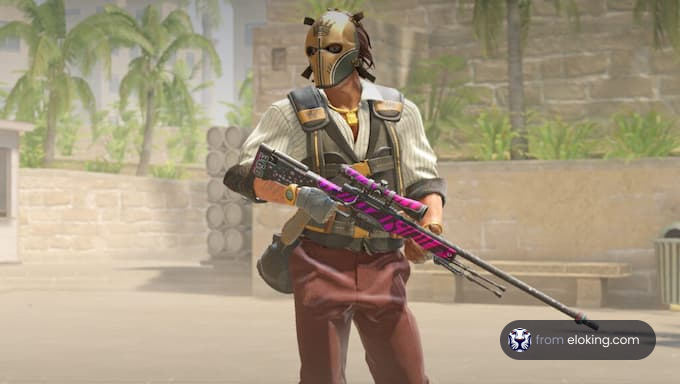
CS2’s Source 2 engine makes skins look more dynamic, with lighting, reflections, and wear showing up differently depending on the environment. Testing a skin isn’t just about how cool it looks. It’s about ensuring the float, stickers, and overall feel match what you want before investing. Whether you’re a collector, trader, or just someone looking to personalize your loadout, using the right testing methods saves time and money.
Struggling to win? Bad teammates?
Purchase a game with one of our PRO players.
One game
Average wait time <30 minutes
$4.00
$3.32 per game
Two games
Average wait time <30 minutes
$8.00
$3.00 per game
Three games
Average wait time <30 minutes
$12.00
$2.50 per game
Testing skins on Official Valve servers
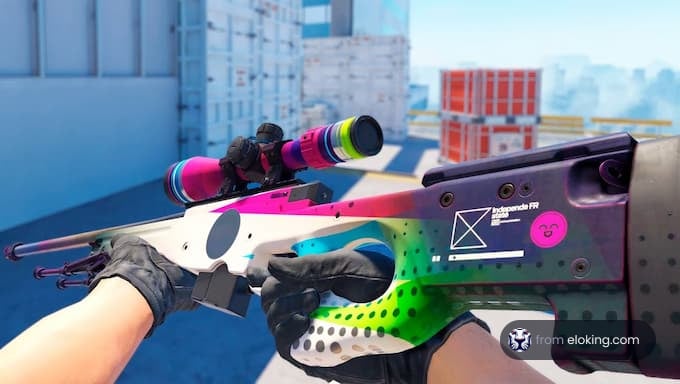
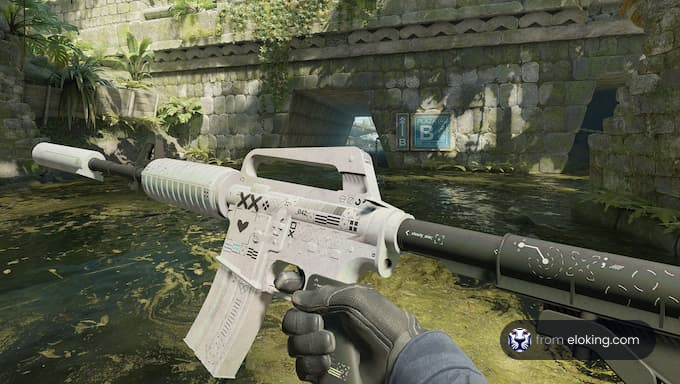
The most straightforward way to see a skin in action is to equip it in your loadout and hop into any official game mode (Casual, Deathmatch, or Competitive). Once you spawn, the skin appears automatically on the weapon. Press the inspect key (F by default) to rotate and zoom in on details.
This feature becomes especially useful with the “Inspect in Game” option, available in your Steam inventory and on the Steam Community Market. Clicking it while CS2 is running loads a preview of the skin on your screen. Unlike static images, this shows:
The actual wear level (float), so you can check how scratched or faded it looks.
Any stickers applied, including how they look with wear.
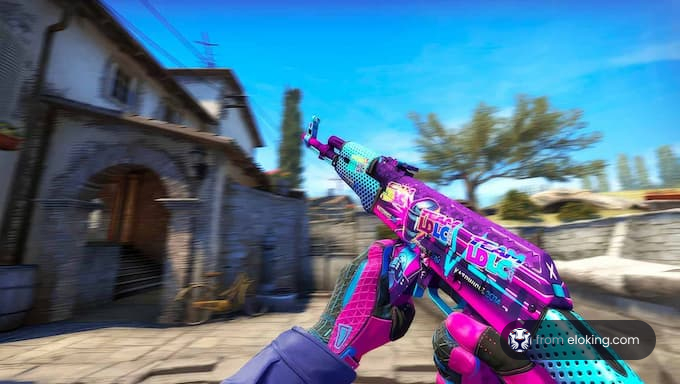
How the finish reacts under different lighting conditions in Source 2.
It’s worth previewing skins on multiple maps. Dust II’s sunlight showcases bright contrasts, while Inferno’s darker environments highlight subtler finishes. To get the clearest view, adjust “viewmodel_fov” to 68 for a wider perspective, or set “viewmodel_presetpos 3” to keep the weapon centered.
Testing CS2 skins in practice mode
If you’d rather test skins without other players, offline practice mode is your best option. It gives you full control to spawn weapons, try out animations, and inspect skins from custom angles. To set it up:
Press the “~” key to open it and type “sv_cheats 1” to activate cheats.
Spawn any weapon:
Type “give weapon_<name>” to spawn a gun, such as “give weapon_ak47” or “give weapon_awp”.
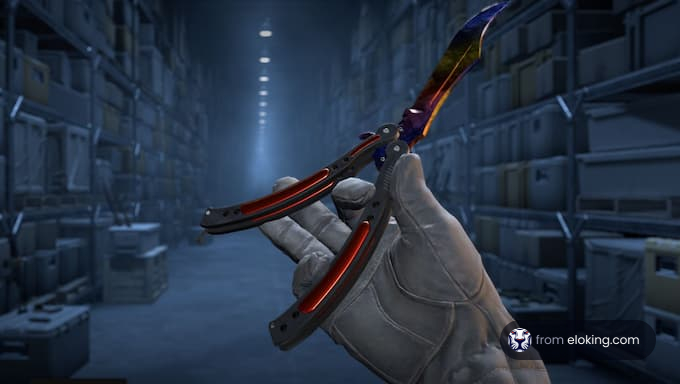
Knives can be spawned similarly, for example, “give weapon_knife_karambit”.
Adjust your view and camera:
Use “viewmodel_fov 68” to widen your weapon’s field of view.
Enter “thirdperson” to see your character holding the gun or knife.
Turn on “noclip” to fly around and inspect skins from every angle.
Using community inspection servers in CS2
Community-run inspection servers make skin testing even better. They’re built for collectors and traders who want to try almost any skin variation.
How to join: Use the console to connect (connect <server address>).
Using inspect links: Copy a skin’s “Inspect in Game” link from Steam and paste it with a command like “!i <link>” to spawn that exact version.
Generate codes: Websites like cs2inspects.com let you choose the float, pattern, or stickers and then generate a command. Paste it into chat, and the skin will appear in your inventory.
Extra features: On some servers, bundle commands let you load multiple skins or sticker combinations together.
These servers go beyond static previews. You get to hold the weapon, inspect it in motion, and see how it feels during gameplay.
How to preview CS2 skins before purchase
Before you spend money, it’s worth knowing exactly what you’re getting. Along with the standard methods, you’ll find third-party tools that make previewing skins far more convenient.
Steam’s Inspect in Game feature: This is the most reliable method because it runs directly through the CS2 engine. It should always be your go-to method when checking out a skin.
3D web viewers: Platforms such as CS.MONEY’s viewer lets you spin skins around, test different stickers, and preview reload or inspect animations directly in your browser.
Screenshot tools: Platforms like Skinport’s Screenshot Tool generate instant high-res images from an inspect link, which his handy for comparing details side by side.
Note
: Pay attention to how floats and patterns affect the look. Two of the same skins can look drastically different depending on wear or pattern placement.
FAQs
Use the "Inspect in Game" option in your Steam inventory or on the Community Market while CS2 is running to see skins with wear and stickers. Press 'F' in-game to inspect your weapon.
Enable the developer console in settings and set sv_cheats to 1. Use "give weapon_" to spawn weapons. Adjust your view with commands like "viewmodel_fov 68" and "thirdperson".
Community servers let you test almost any skin variation. Connect via the console and use inspect links or generated codes to spawn specific skins with desired floats and stickers.
Use Steam's "Inspect in Game" feature for the most accurate preview. 3D web viewers and screenshot tools can also help you compare skin details before you buy.
Testing ensures the float, stickers, and overall look match what you want before investing. CS2's Source 2 engine makes skins look more dynamic, so testing matters.
What’s next?
Now that you have learned something new about Counter-Strike - it’s time you start playing and get better at the game. We can help!
Purchase Eloking CS2 Boost right now
and start playing at the rank you deserve!














 Quality
