Streamlined three-tier loyalty program where every member enjoys the same high-quality rewards, with benefits escalating at each tier.
Simple yet effective, this program stands as the best deal for Eloking's boosting services, ensuring maximum value and satisfaction for all our users.
Cashback on all Eloking boosts (3%, 5%, 7%)
Discounts for all Eloking boosts (5%, 10%, 15%)
Discount for a friend 🤗
Free daily lootbox spin with industry-leading rewards
Member exclusive season and event offers
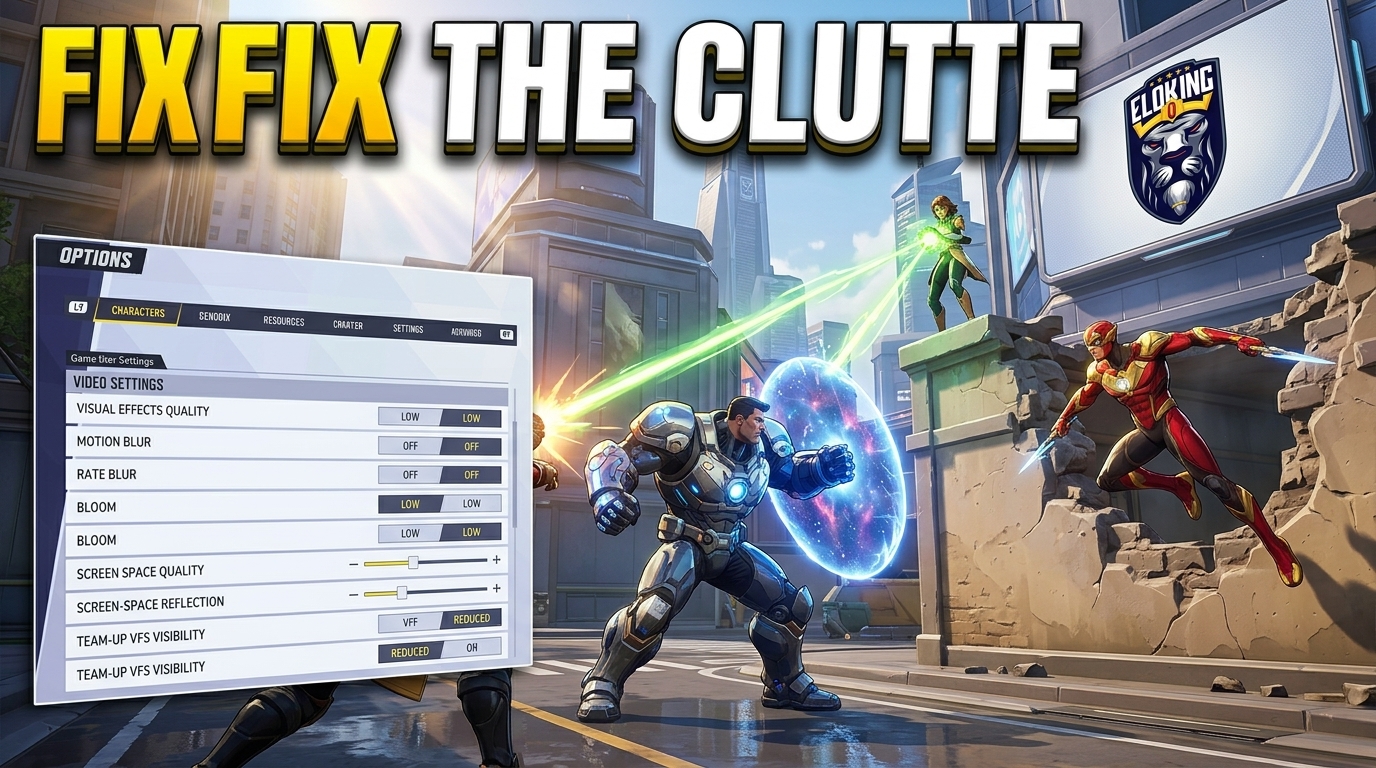
Marvel Rivals Visual Clutter Fix: Best Competitive Settings After the July 16 Patch
p
Jack Willa
Gamer
23 Jul 2026
Posted On
Listen to this post
TL;DR: Marvel Rivals' July 16 clarity patch reduces some visual spam, but ranked players still need to tame the rest of the clutter through settings. The biggest win is prioritizing readability over flashy effects, especially by cutting Team-Up VFX and keeping only the information that helps you track enemies, threats, and ultimates.
The July 16 patch was supposed to make Marvel Rivals cleaner - but for competitive players, the real problem didn't disappear. It just got harder to see through the chaos. When every ultimate, shield, and explosion starts stacking on top of your HUD, one bad visual setting can be the difference between a clutch play and getting deleted in half a second.
That's why the best settings after this patch aren't about making the game prettier - they're about making it readable enough to survive ranked. And the most important fixes may be hiding in the options menu you've probably been ignoring.
What did the July 16 Combat Clarity Upgrade actually fix?
On July 16, 2026, at 09:00 UTC, NetEase launched Version 20260716 without server downtime. This "Combat Clarity Upgrade" was a direct response to a screen-readability crisis that peaked with the Season 9 launch. The patch systematically reduced visual effect intensity across 19 named Team-Up abilities and Jubilee's entire base kit, ensuring superhero clashes remain crisp during high-intensity 6v6 fights.
The named Team-Ups include Gods of Thunder, Gamma Maelstrom, Surf & Turf, and Hex Fireworks. NetEase did not publish particle-by-particle values, so do not read the patch as a blanket reduction to every effect. The notes also say other, unnamed Team-Up abilities received visual optimization and that further clarity work will continue.
Beyond visual clarity, the July 16 update also introduced new content and store items. Players can now participate in the Van Dyne Couture event to earn Magneto's "Magnetic Vintage" costume or explore the Pop & Win event featuring Jeff the Dinosaur. Additionally, the Power of the Phoenix Season 3 Battle Pass returned for a limited rerun through July 30, alongside new bundles for Hawkeye and Gambit.
Struggling to win? Bad teammates?
Purchase a game with one of our PRO players.
One game
Average wait time <30 minutes
$4.00
$3.32 per game
Two games
Average wait time <30 minutes
$8.00
$3.00 per game
Three games
Average wait time <30 minutes
$12.00
$2.50 per game
Why Marvel Rivals needed a visual clutter fix so badly
The clearest signal that the game had a readability problem was the community backlash. Following the Season 9 launch, Marvel Rivals' Steam Recent Reviews rating dropped to "Mixed." Players on Reddit and Steam forums complained that the battlefield had become an unreadable soup of light, making it nearly impossible to track targets or react to incoming threats.
This wasn't just a cosmetic issue; it was a structural failure caused by the Season 9 overhaul. By giving every hero two independent Team-Up loadouts, NetEase effectively doubled the potential particle emitters active in any given fight. When 12 heroes trigger multiple concurrent particle systems, the visual overhead becomes a competitive barrier. If you can't distinguish an enemy diver from your own teammate's shield effects, the game ceases to be about skill and becomes about fighting the UI. The July 16 patch was NetEase's admission that the screen had become too noisy to trust for high-level play.
Change these competitive settings first
The July 16 patch reduced effect spam, but your local settings can still reintroduce visual noise. To maximize the benefits of the Combat Clarity Upgrade, adjust your menu to prioritize enemy silhouettes over particle work.
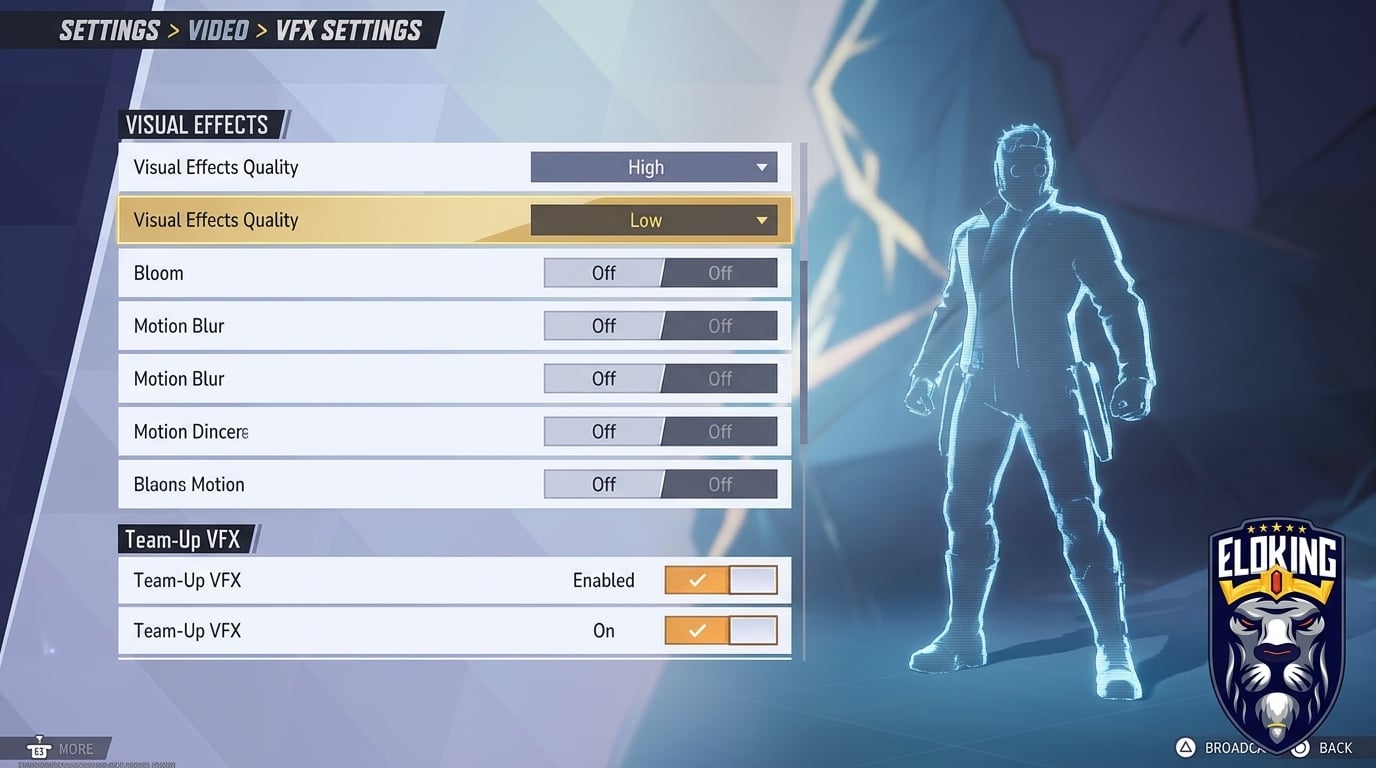
Set Effects Detail to Low: This is the game's actual graphics control for explosions and particle effects. Start here if ability spam is masking enemy movement.
Use the Team-Up VFX Toggle: Added on July 23, it enables or disables Team-Up effects on your screen. Apply it to every hero or customize individual heroes; it is not an opacity slider.
Set Post-Processing to Low and turn Motion Blur off: This reduces extra blur and glow without removing the core ability information you still need.
Keep textures readable: Do not force unsupported config edits that remove world geometry or effects. Use the normal menu controls and keep character silhouettes easy to distinguish from the map.
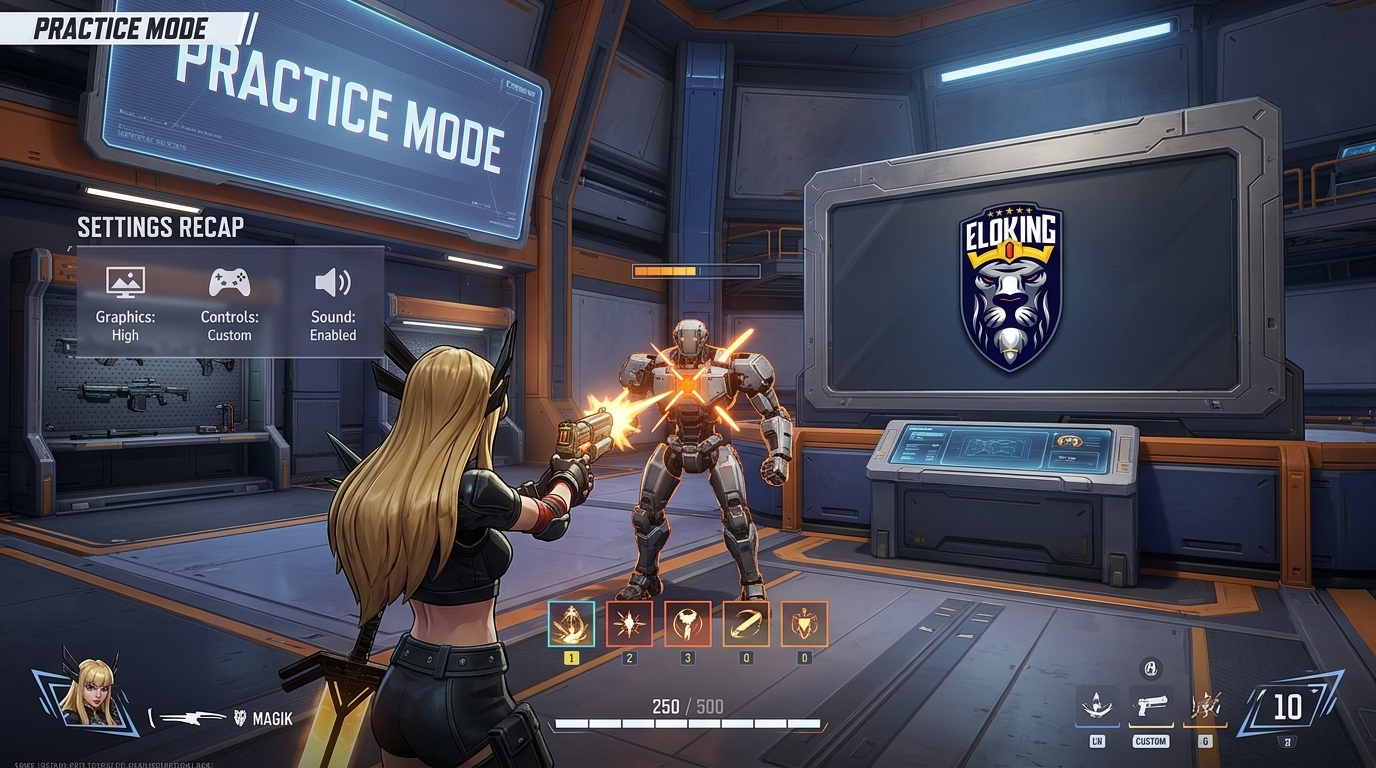
Test the result in the Practice Range: Confirm that hit markers, ultimate tells, and enemy outlines remain clear before taking the setup into ranked.
How do you tune visuals without making the game harder to read?
There is a trap here. Reduce clutter too aggressively and the game can start to look flat instead of clear. You still need hit confirmation, ult tells, and target separation. If you strip too hard, fights become visually dead and you lose the information you actually need to play well.
Choice
What it helps
What it can break
My take
Lowering noisy Team-Up visuals
Faster target pickup, fewer fake threats, cleaner team fights
Usually nothing if the game still keeps core ability tells readable
This is the smart first move because it removes spam without deleting useful feedback.
You keep the exact clutter the July 16 patch was trying to reduce
Lazy and bad if you care about climbing.
Using the new Team-Up VFX toggle per hero
Lets you trim the worst offenders without gutting the whole game
No separate ally/enemy opacity control
Best balance if you want control without overcutting the visual language.
The rule is simple: remove noise that hides enemies, but keep the stuff that tells you what just happened. If you can no longer tell whether you got hit, saved, stunned, or ulted, you went too far.
What should you do after applying the patch and settings changes?
Here is the practical test. Load into a real match, then pick one ugly fight where every hero is dumping cooldowns. Before the patch or settings change, that kind of moment was a blur. After the patch, you should be able to spot the enemy diver, track the support, and read the ult threat without having to stare at the whole screen like you are deciphering static. That is the norm. Not "looks nicer." "Lets me play faster."
Use the July 2 patch as a reminder that this game is still getting tuned for performance and responsiveness too. A separate July 2 update fixed Rogue's Ability Absorption causing brief lag or stuttering, which is a useful reminder that readability and performance both affect decision-making. So test in live fights, not in the lobby, because that is where clutter actually costs you rounds.
Keep the changes that make targets pop faster. Revert the ones that make the game feel dead or hide ability feedback. That is the line. Cleaner screen, same information, fewer excuses.
Not with separate ally and enemy opacity controls. The July 23 Team-Up VFX setting lets you enable or disable effects on your own screen either universally or for individual heroes, but the official notes do not list separate teammate and enemy percentages. Use the per-hero controls to remove the noisiest effects while preserving the combat cues you need.
NetEase's official patch notes only document the built-in Team-Up VFX toggle; they do not approve third-party clutter mods or edited config files. The safest competitive setup is to use the in-game universal or per-hero controls and normal graphics settings instead of relying on an unofficial modification.
No damage or cooldown changes were listed as part of the Combat Clarity Upgrade. The July 16 notes describe visual optimizations for Jubilee's base abilities and 19 named Team-Up abilities, so treat it as a readability update rather than a balance change.
What’s next?
Now that you have learned something new - it’s time you start playing and get better. Choose a game to purchase Eloking Boost for.
Purchase ELO Boost at Eloking
and start playing at the rank you deserve!












 Quality
