Streamlined three-tier loyalty program where every member enjoys the same high-quality rewards, with benefits escalating at each tier.
Simple yet effective, this program stands as the best deal for Eloking's boosting services, ensuring maximum value and satisfaction for all our users.
Cashback on all Eloking boosts (3%, 5%, 7%)
Discounts for all Eloking boosts (5%, 10%, 15%)
Discount for a friend 🤗
Free daily lootbox spin with industry-leading rewards
Member exclusive season and event offers
How to Fix High Ping and Lag in VALORANT Ranked
s
Sharik Shaikh
Gamer
12 Jul 2026
Updated On
Listen to this post
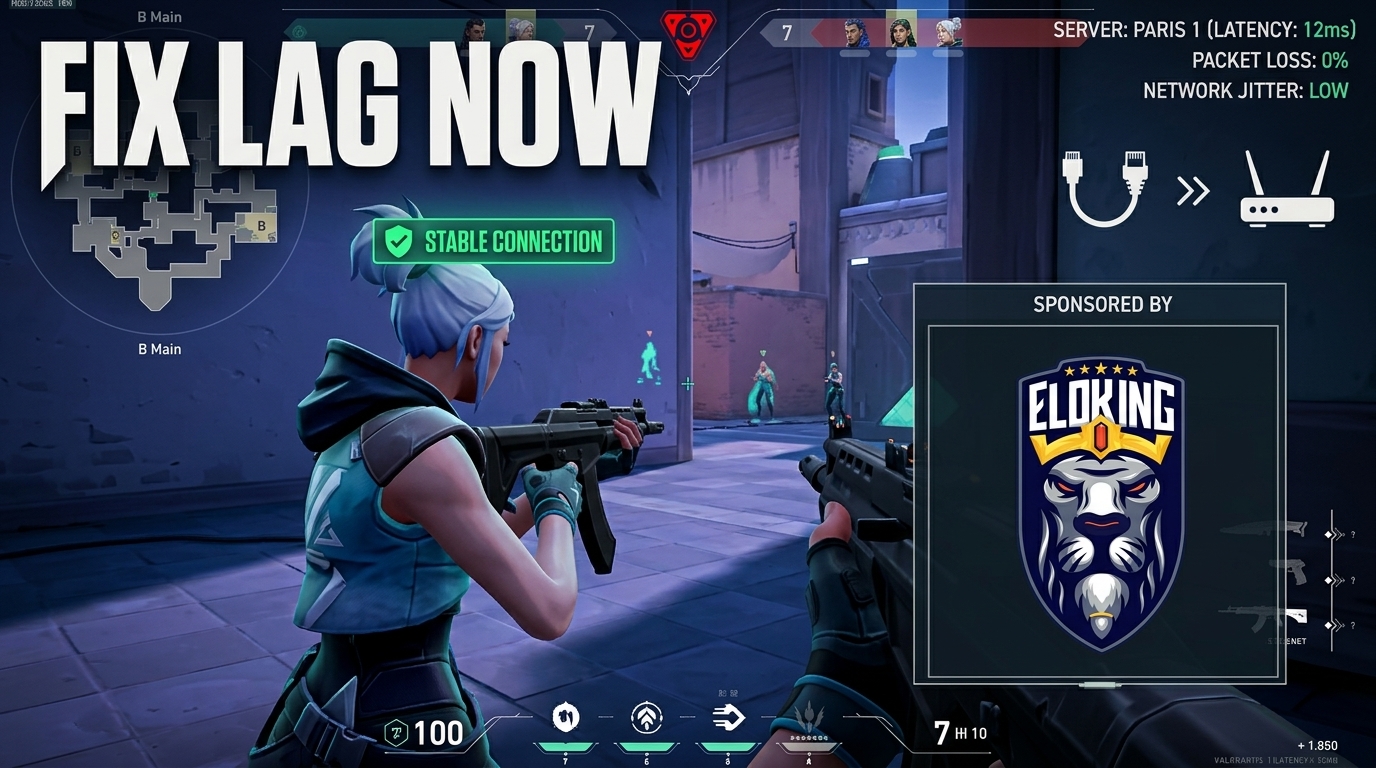
TL;DR: VALORANT lag usually comes from server choice, packet loss, Wi‑Fi instability, background bandwidth use, or a bad router/ISP route - not just "bad internet." Lock the lowest-ping server, use ethernet, stop downloads and uploads, restart your network gear, and if spikes persist across servers, document them for your ISP.
You're one duel away from ranking up, your crosshair is on target, and then VALORANT turns your shot into a ghost - your ping spikes, your peek dies, and the round is gone before you even see the trade. In ranked, that split-second stutter can be the difference between a clean ace and a frustrating loss that feels completely out of your control.
The worst part? High ping and lag usually aren't just "bad internet," and the fix is often hiding in a setting, a network tweak, or a problem you haven't noticed yet. Here's how to find what's really slowing you down - and get your games feeling responsive again.
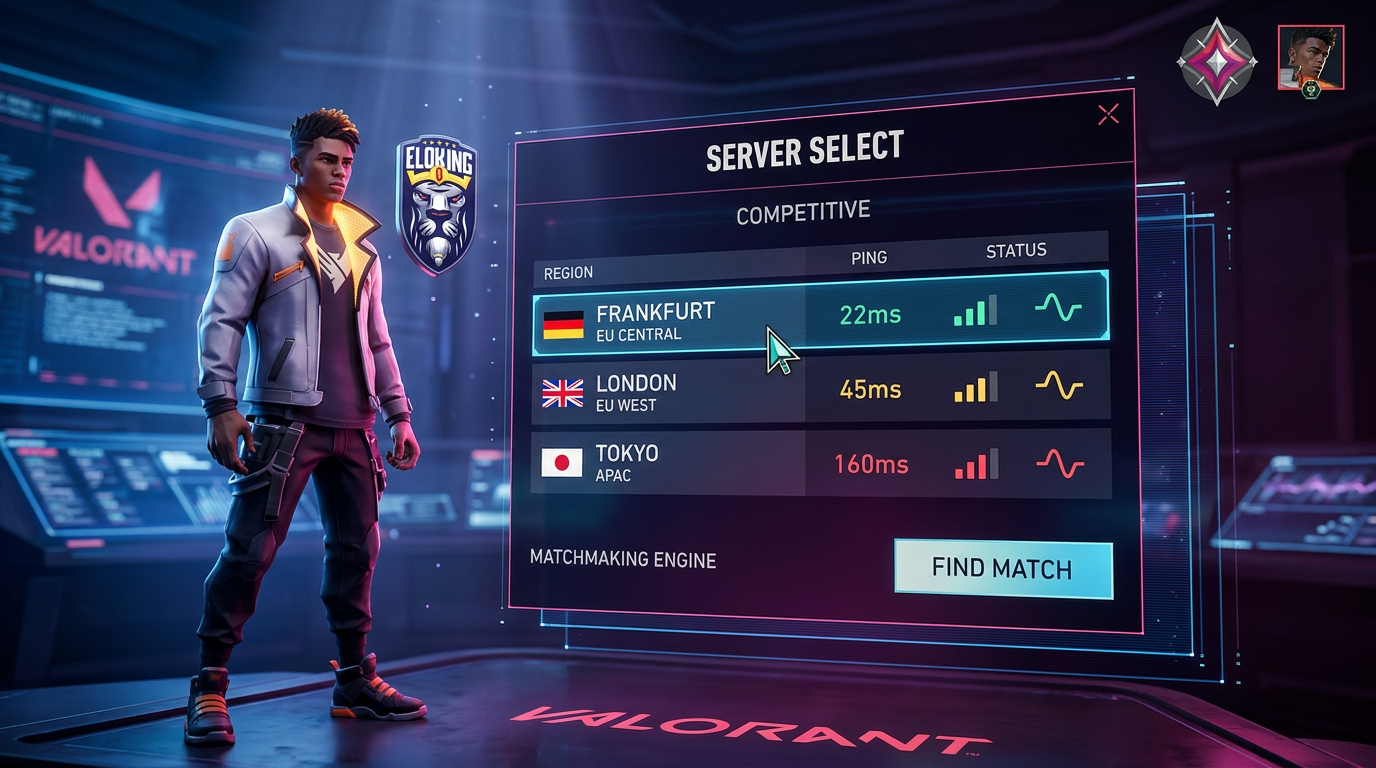
Lock your server select before you queue ranked
Open VALORANT, go to the queue screen, and click the server select or region indicator before you hit ranked. Pick the lowest-ping server with a stable number, not the one that "usually feels fine." Riot's own Server Select support exists for a reason: your region choice is a real part of the problem, not a cosmetic menu. If one server is 18 ms and another is 42 ms, there is your answer. Queue the low one and stop gambling your opening duels.
If you suddenly see a bad spike only on one server, that is not you being washed. That is routing or a regional issue. Change the server, test again, and keep the one with the cleanest ping in ranked.
Struggling to win? Bad teammates?
Purchase a game with one of our PRO players.
One game
Average wait time <30 minutes
$4.00
$3.32 per game
Two games
Average wait time <30 minutes
$8.00
$3.00 per game
Three games
Average wait time <30 minutes
$12.00
$2.50 per game
Check packet loss before you blame your aim
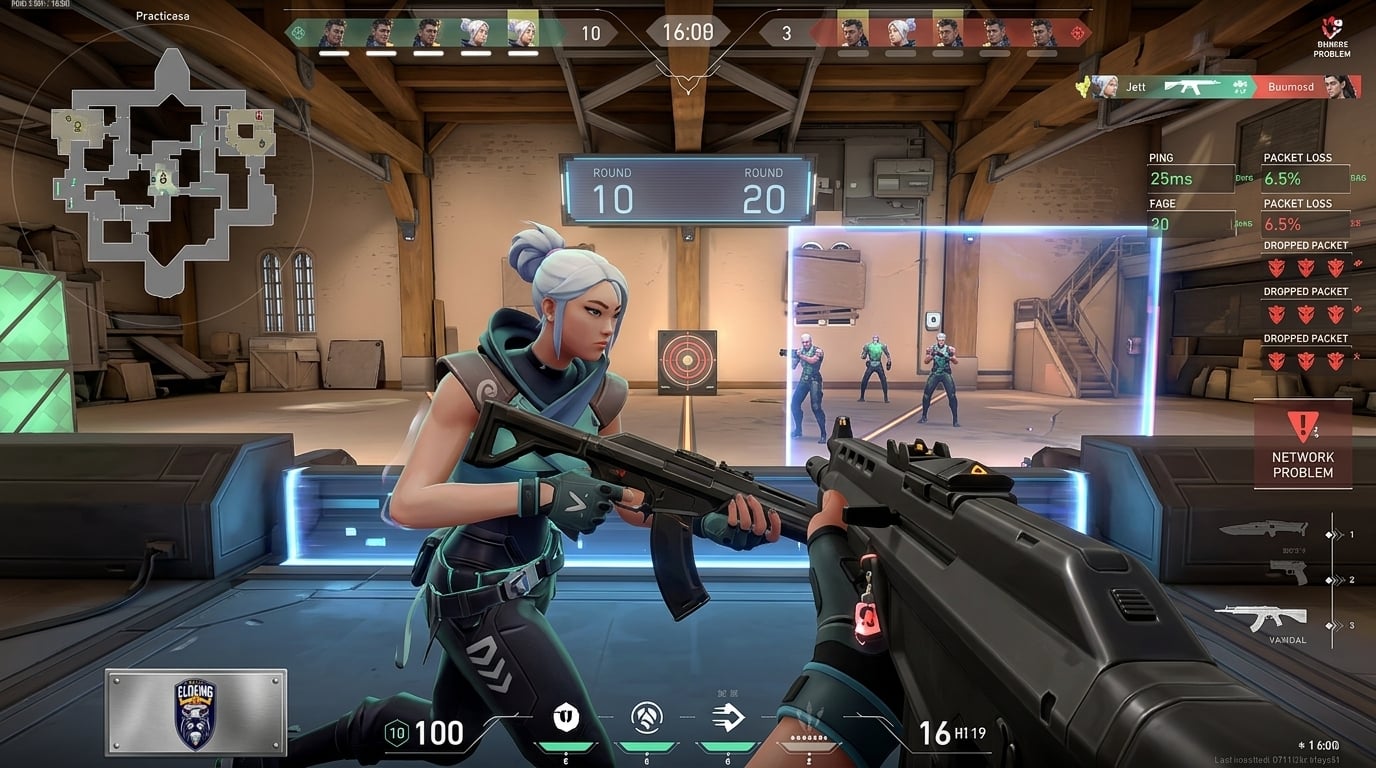
Packet loss feels like lag, but it plays worse. Open the in-game network stats, then watch ping, packet loss, and frame timing while you sit in a practice range or a custom. If ping is stable but packet loss jumps, your problem is not "high ping." It is dropped data. That means rubberbanding, delayed shots, and dead-on-arrival repeeks.
Riot has separate support content for network issues and known issues, which is the tell most players ignore: latency and packet loss are not the same beast. If packet loss appears, do the boring fix first. Use ethernet. Unplug the dumb stuff. Pause big downloads. Kill streaming on other devices. Then test again.
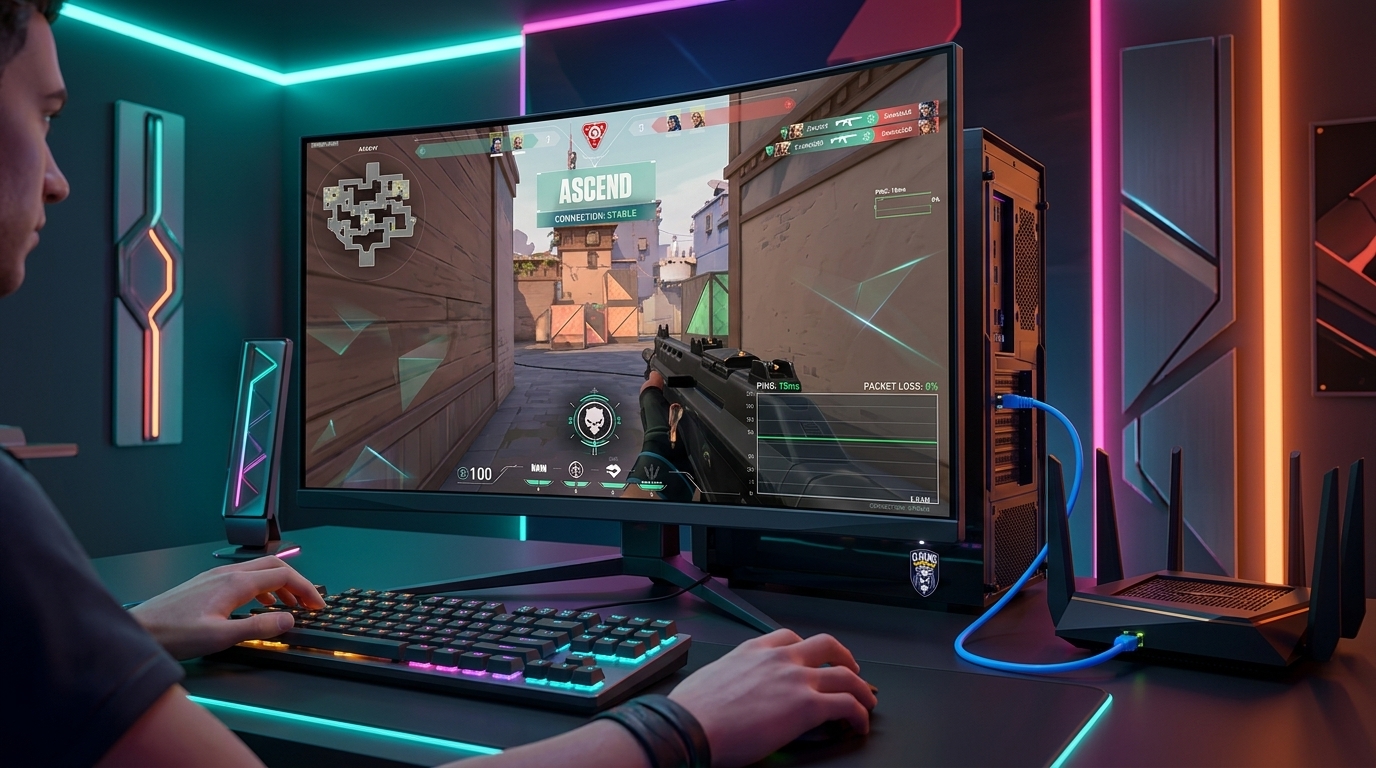
Use ethernet or stop pretending Wi-Fi is ranked-ready
If you are serious about ranked, plug in. Not "if possible." Plug in. Ethernet cuts out the random garbage that turns a clean swing into a late peek. Wi-Fi can be fine in some situations, but a wired connection is the safer choice when you want a stable ranked experience.
After you switch to ethernet, test three things: one ranked queue, one custom, one deathmatch. If the issue vanishes, your fix was never a setting. It was the connection path. If the problem stays even on cable, the blame moves up the chain to router, modem, or ISP.
Cut background traffic and stop starving the match
Close launchers, cloud sync, browser tabs, and anything else uploading in the background. Discord streaming, Windows updates, drive backups, and 4K video in another room can all compete for bandwidth and make a match feel worse. In ranked, one extra upload spike can make your swing look like it happened through mud.
Do this before you touch "gaming" nonsense. Pause downloads. Stop uploads. Turn off any queue that might be eating bandwidth. Then play one clean match and check if the ping graph settles down. If it does, you found the thief.
Restart the chain when the lag feels random
When the problem is messy and inconsistent, power cycle everything in order: close VALORANT, restart the PC, unplug the modem and router for 30 seconds, then boot the modem first and the router second. That clears the garbage state that sometimes causes weird spikes in ranked. If the lag disappears after a reset, the issue was not your mechanical skill. It was your network stack being cooked.
If the lag comes back after a few matches, test another day and compare the result. If it only happens at peak evening hours, your ISP may be choking during congestion. That is when the real answer is not another settings guide. It is a route or service problem outside the game.
What to do when nothing changes
If server select, ethernet, background traffic, and restarts do nothing, stop brute-forcing random fixes. Run one clean test with the in-game stats on, then note the exact ping, packet loss, and when the spikes happen. If the same issue repeats on multiple servers and times of day, contact your ISP with those numbers. That is the difference between "my game feels bad" and an actual report they can work with.
The blunt truth is this: ranked punishes latency harder than casual play, and there is no magic setting that saves a bad connection. Fix the route, fix the packet loss, or get off Wi-Fi. That is how you stop losing duels before the fight even starts.
Packet loss shows up as stutter, rubberbanding, or shots registering late even when the ping number looks steady. The quickest check is to watch the in-game network stats in a custom or practice range and look for dropped packets while ping stays flat. That points to an unstable connection path, not slow reaction time.
Speed tests measure throughput, not stability. A connection can be fast and still throw tiny bursts of jitter and packet loss that wreck peek timing and make hit registration feel off. Ethernet removes that extra layer of random interference and gives the game a cleaner path.
That usually means congestion somewhere between the router and the game server, often on the ISP side. Test at a different time, keep notes on the exact hours and ping spikes, and compare the results across several sessions. If the pattern keeps repeating, the issue is route or peak-load related, not your PC.
Yes. Upload-heavy tasks like cloud backups, video calls, streaming, and automatic updates can steal enough bandwidth to make a match feel sticky. Even one device pushing traffic at the wrong moment can spike latency and ruin a duel.
Give each change at least one full match or a short set of matches so you can see whether the ping graph stays clean under real load. Quick menu checks miss the problem because network instability often shows up only during fights, resets, or busy moments in the round. Consistency matters more than one lucky lobby.
That usually pushes the blame away from server choice and toward your local network, router, or ISP route. Run a wired test, shut down background traffic, restart the modem and router, then collect ping and packet-loss numbers from multiple servers. If the same spike follows you everywhere, that is a connection issue outside the game.
What’s next?
Take your Valorant gameplay to the next level and climb the ranks with ease - buy Valorant boost now!
Purchase Valorant Boost
and start playing at the rank you deserve!

















 Quality
