Streamlined three-tier loyalty program where every member enjoys the same high-quality rewards, with benefits escalating at each tier.
Simple yet effective, this program stands as the best deal for Eloking's boosting services, ensuring maximum value and satisfaction for all our users.
Cashback on all Eloking boosts (3%, 5%, 7%)
Discounts for all Eloking boosts (5%, 10%, 15%)
Discount for a friend 🤗
Free daily lootbox spin with industry-leading rewards
Member exclusive season and event offers
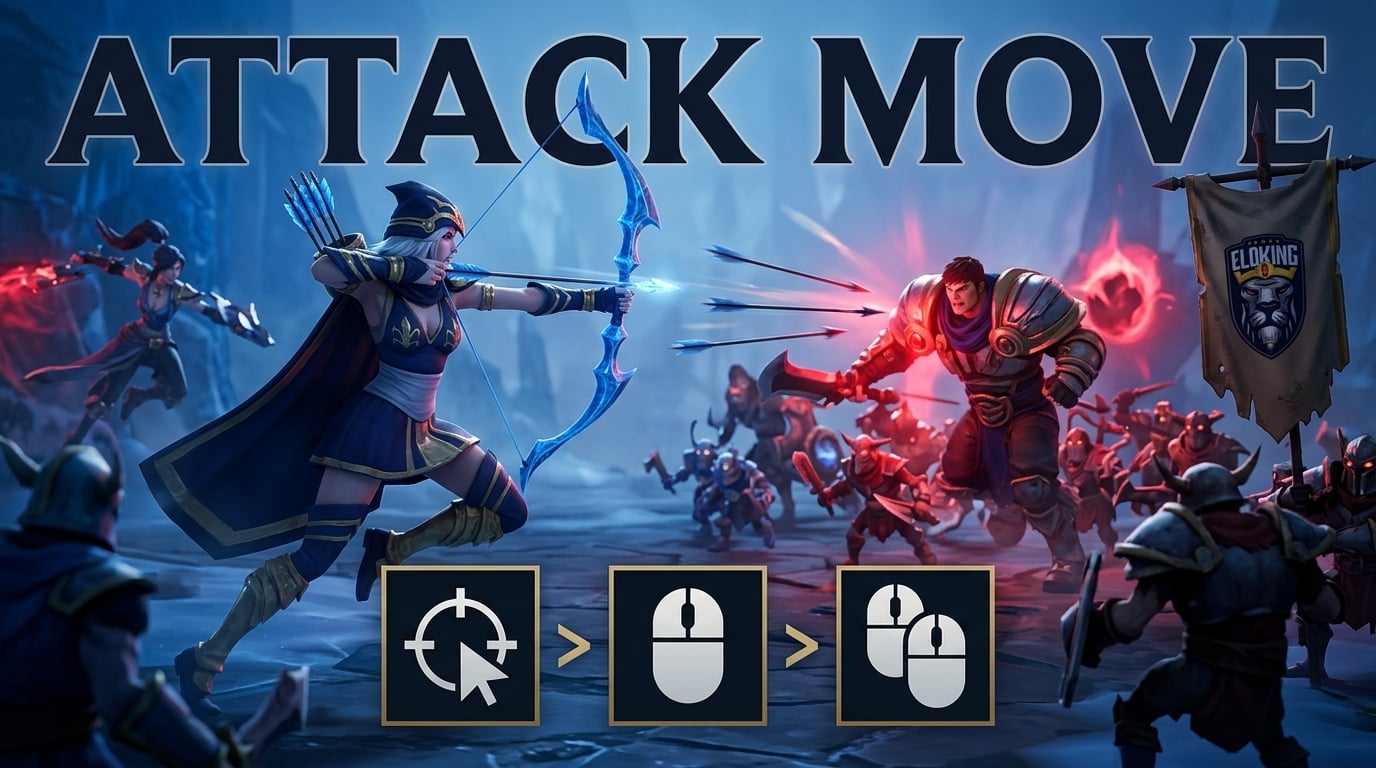
Attack Move in League of Legends: Best Settings
h
Malik Hamza Rashid
Gamer
18 Jul 2026
Posted On
TL;DR:Attack move helps most in chaotic fights where overlapping units and fast movement make normal clicks unreliable, but it only improves play if the bind feels natural. If direct clicking is already accurate, keep it; if targeting errors are common, test a simple setup that reduces hesitation and wrong hits.
One wrong click in a crowded fight can turn your attack into a miss, a move command, or worse, the wrong enemy entirely. That's exactly the problem attack move is meant to solve - but only if the bind actually feels natural when everything around you is moving, overlapping, and collapsing at once. For some players, the shortcut sharpens their mechanics; for others, it becomes one more awkward input that causes more mistakes, not fewer. The real question is whether this setting will improve your targeting - or expose how fragile your clicks already are.
That tradeoff is where the real tension lives, because the best setup on paper is useless if it makes you hesitate in the middle of a fight. The rest comes down to which confirm style stays out of your way, and which one starts costing you targets.
What attack move is trying to solve
Every high-elo ADC knows the pain of default A-clicking: it is simply too slow for high-APM kiting on champions like Kalista or Vayne. When a teamfight explodes, relying on the default two-step A-click setup clutters your mechanics and introduces fatal hesitation. You have to press A, see the range indicator, and then left-click to confirm. In fast-paced skirmishes where overlapping units and rapid movement make every millisecond count, that extra input is a massive liability that slows down your inputs and gets you killed.
Optimizing your input configuration is what separates players who merely know the feature from those who extract a real mechanical edge. By bypassing the default setup and binding your attack move directly to Left Click, or utilizing "Attack Move on Cursor," you eliminate the clumsiness of double-input targeting. This optimization ensures you maintain maximum spacing and prevent accidental facechecks without sacrificing speed, giving you the split-second advantage needed to clean up chaotic fights.
Struggling to win? Bad teammates?
Purchase a game with one of our PRO players.
One game
Average wait time <30 minutes
$4.00
$3.32 per game
Two games
Average wait time <30 minutes
$8.00
$3.00 per game
Three games
Average wait time <30 minutes
$12.00
$2.50 per game
Why some players still prefer direct clicks
Despite the advantages of attack move, some high-elo players still rely on standard right-clicks (direct clicks) or the traditional Player Attack Move (pressing A/X to show the range indicator, then left-clicking to confirm). The argument for direct clicking is absolute precision: you know exactly which pixel you are targeting, with zero risk of the game's targeting logic selecting a different unit. It prevents you from accidentally hitting a minion or ward during a crucial dive.
However, sticking to pure direct clicks or the two-step Player Attack Move setup comes with a massive speed penalty. If you are playing high-APM kiting champions, the extra physical clicks slow down your inputs and clutter your mechanics. For most players, transitioning to an instant configuration is the only way to break through a mechanical ceiling and execute flawless kiting under pressure.
Where attack move targets: Attack Move on Cursor
By default, League of Legends targets the enemy closest to your champion when you issue an attack move command. In high-elo play, this is a recipe for disaster, as you will constantly waste autos on tanky frontliners or random minions instead of the priority targets you are trying to kite. To fix this, you must enable the toggle setting "Attack Move on Cursor".
Enabling this setting changes the targeting logic to prioritize the enemy closest to your mouse cursor rather than your champion. This gives you the best of both worlds: you get the safety net of attack moving (preventing accidental facechecks if you misclick) while maintaining precise control over which specific target you are focusing in crowded teamfights.
How to set it up without making it harder
Pick a bind you can press without hesitation. If it feels awkward, you will not use it consistently.
Test the targeting behavior in a low-pressure setting. Make sure it does what you expect when units overlap or move around each other.
Keep the setup simple. The less mental overhead the bind creates, the more likely it is to help instead of distract.
Watch for accidental targets. If you are hitting the wrong unit more often, the setup is not doing its job.
Change one thing at a time. If you keep tweaking the bind, it becomes hard to tell whether the issue is the input or your timing.
Choosing the confirm style that feels natural
To optimize your mechanics, you need to choose the configuration that suits your playstyle. Instead of relying on slow, default inputs, high-elo players use specific in-game settings to streamline their kiting. Finding the right balance between speed and precision comes down to how you configure these four core settings:
Setting
How it works
Best for
Main drawback
Player Attack Move
Press A/X to show your attack range indicator, then left-click to confirm the attack.
Players who want visual range confirmation and maximum precision.
Slows down your inputs; requires two actions for a single attack.
Player Attack Move Click
Instantly issues the attack move command at your cursor's position with a single keypress (no confirmation click required).
High-APM players who want rapid, snappy kiting with minimal delay.
Does not show the range indicator unless you hold down the key or customize settings.
Attack Move on Cursor
A toggle setting that forces your champion to attack the target closest to your cursor instead of the one closest to your champion.
Every player using attack move; essential for targeting priority carries in crowded fights.
Requires decent cursor accuracy to avoid hitting the wrong target.
Bind Attack Move on Left Click
A checkbox at the bottom of the Hotkeys tab that binds the instant "Player Attack Move Click" command directly to your left mouse button.
Players who want to separate movement (right-click) from attacking (left-click) for clean, rhythmic kiting.
Clutters your interface navigation; requires holding Shift to click on the minimap or shop.
So should you switch?
If direct clicking already feels clean and reliable, there is no reason to force a change just because attack move exists. But if crowded fights, overlapping units, or fast movement cause you to miss targets more often than you want, attack move is worth testing.
If attack move makes your targeting more stable, keep it. If it adds friction or causes more wrong hits, drop it.
If the bind is slowing your hands down, it is costing more than it gives back. Attack move only pays off when the command feels automatic; if you have to think about it, your kiting gets heavier, not cleaner. In that case, keep the setup you can execute fastest under pressure.
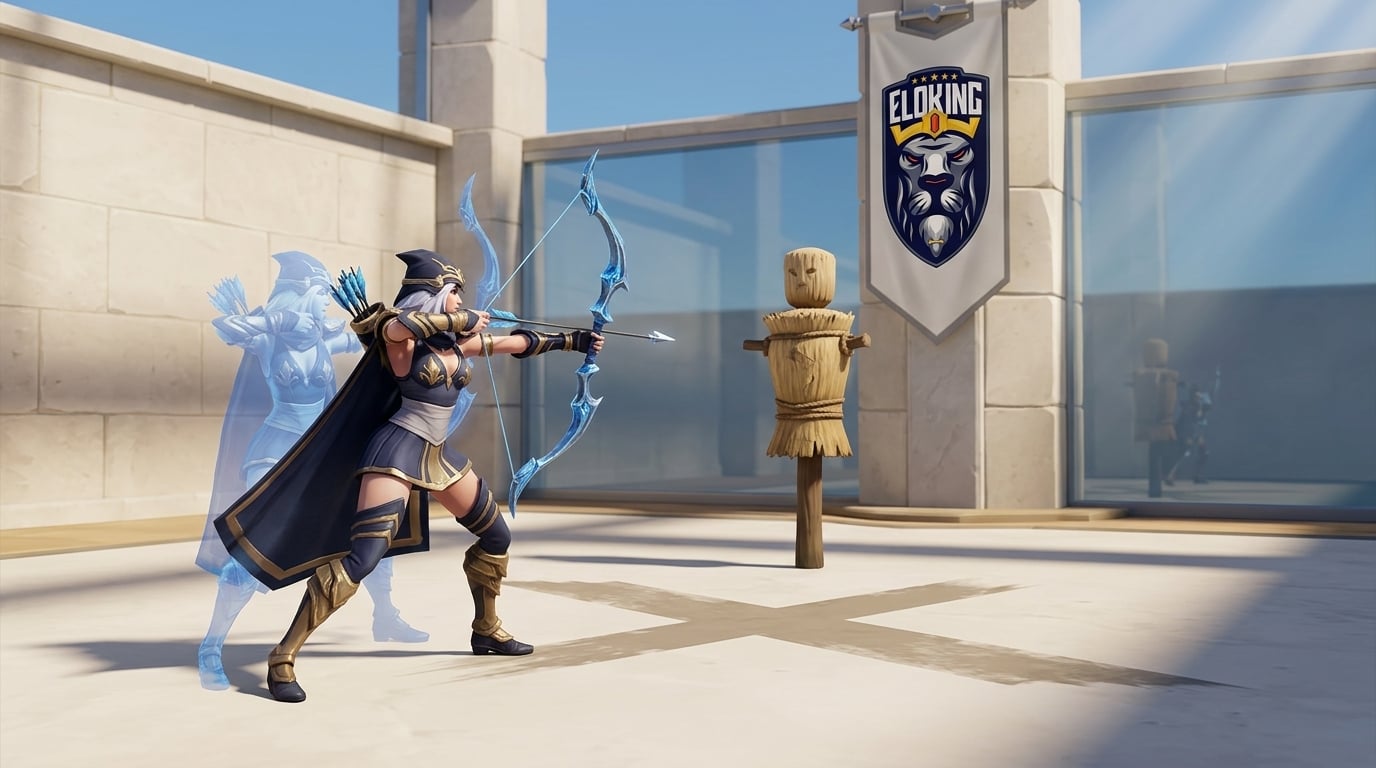
The big trap is assuming the first setup you try is the right one. Test it in a practice setting with minions, dummy targets, or moving units, and watch for two things: whether you hit the intended target and whether the bind slows your first auto after movement.
The tradeoff is direct. A click-to-confirm setup gives you a visual check before the attack goes out, while an instant attack command removes that pause and speeds up kiting. If you rely on quick target swaps in fights, the instant version wins; if you want maximum control, the confirm style is safer.
That is the whole reason cursor-based targeting matters. Without it, attack move can drift toward the nearest enemy to your champion and ruin target selection in a packed fight. With cursor-based targeting on, you aim the decision with your mouse instead of letting the game guess for you.
That is a real problem, especially on any setup that turns left click into an attack command. It can make shop interaction and minimap movement awkward because the same mouse button is now doing two jobs. If that friction bothers you, a keyboard bind for attack move keeps the interface cleaner.
















 Quality
